

You can build a brilliant ad campaign, but a messy CRM will make your results look like a failure. You aren’t just sending traffic. You are throwing high-quality leads into a digital black hole. This is the fastest way to kill your CRM ROI and lose the contract.
Ad agencies usually blame the creative or the algorithm when sales stall. The real culprit is typically a “junk drawer” CRM full of half-filled records and ghost leads. When the sales team treats the system like a chore instead of a weapon, the infrastructure has failed.
This is a systems problem. We build the architecture that runs businesses and automates the boring stuff. If the brain of the business is foggy, the revenue slows down. Here are the five signs that a messy CRM strategy is quietly killing your campaigns.
| What You See | What’s Actually Broken |
|---|---|
| High lead volume, zero sales | CRM integration fails to feed "Offline Conversions" to ad platforms. |
| “Ghost” leads in the CRM | Field mapping mismatch at the API level during lead sync. |
| Sales reps ignoring leads | Routing delays causing Lead Decay. Speed to lead is dead. |
| Duplicate customer records | Lack of unique identifier logic like email or phone hashing. |
| Inaccurate ROAS reporting | CRM data management is non-existent. Attribution is trapped. |
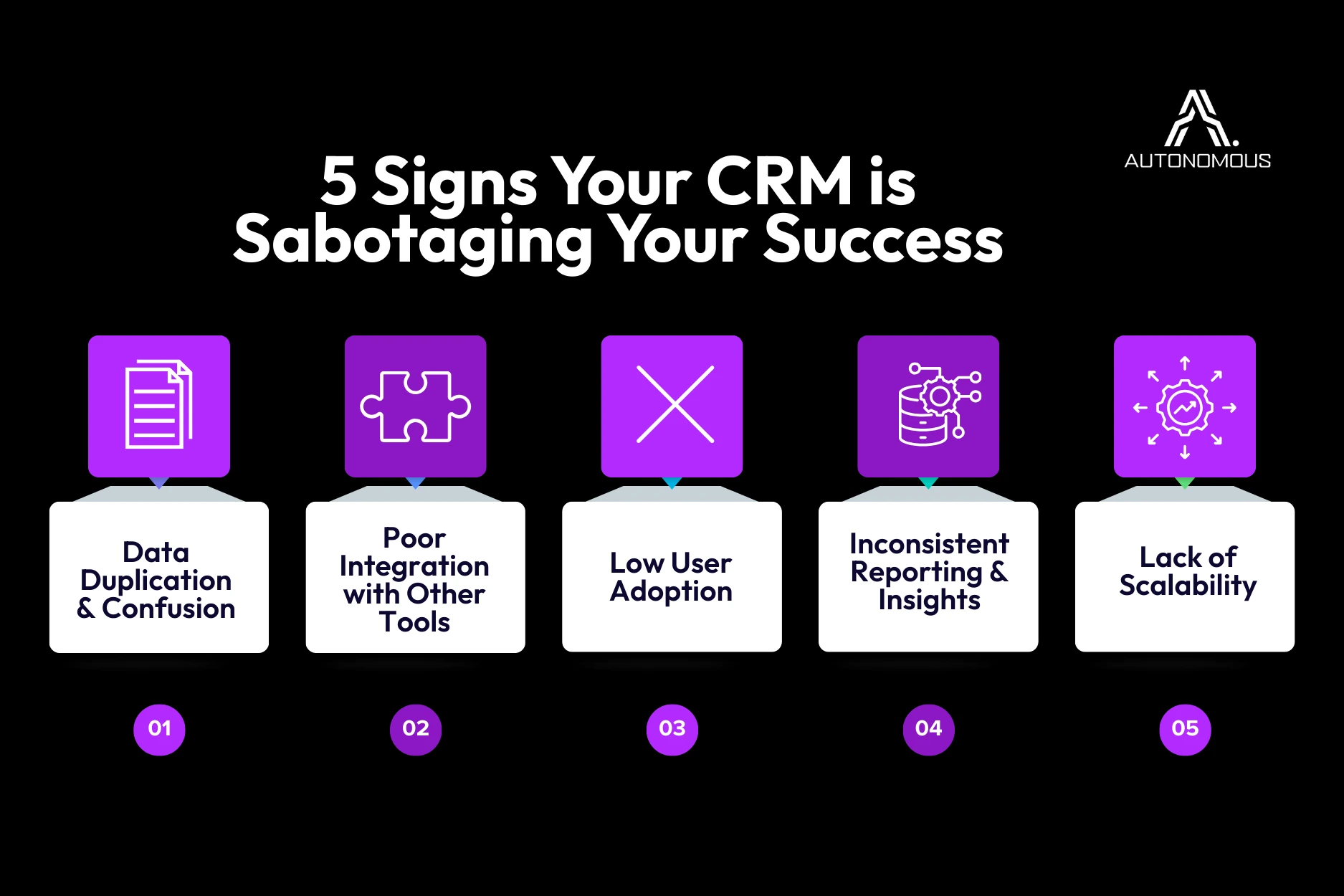
1. Data Duplication: The Trust Killer
If your client opens their CRM and sees the same contact listed three times, you found a leak. Duplicate records destroy confidence.
When CRM data management is neglected, sales team productivity takes a nosedive. Reps stop trusting the system and start working from memory or personal spreadsheets.
- The Cost: Leads get called twice or not at all. Your client loses the context needed to close the deal.
- The Fix: You must prioritize marketing data hygiene to give reps a single source of truth. Clean data creates a CRM people actually use.
2. CRM Integration Issues: Your CRM Shouldn’t Be an Island
If your client is manually copying data between tools, their CRM strategy is a liability. A CRM that doesn’t talk to ads, forms, and email tools creates massive blind spots.
When a lead signs up for a webinar but Sales never gets a notification, that is a CRM integration failure. CRMs don’t create revenue. Connected data ecosystems do.
- The Fix: Demand real-time syncing. Everything should flow from the website and ads directly to the CRM without copy-pasting. If the setup can’t do this, you are dealing with a Frankenstack that is eating your margins.
Is Your Data Leaking?
We turned this exact framework into a step-by-step PDF to help you find errors fast.
3. Low CRM Adoption: The Notebook Threat
Salespeople don’t hate CRMs. They hate wasting time. If logging a call takes ten clicks, they will quit. This kills sales team productivity because the business loses visibility overnight.
- The Fix: Strip the system down. Only require three things: contact info, the last touchpoint, and the next step. Anything else is technical debt that causes scope creep.
4. Reporting Problems: Decisions Based on Guesswork
If your client can’t answer where their last $100k in revenue came from, their CRM is lying. Inconsistent reporting happens when reps use different labels. This turns your data into fiction.
Bad inputs lead to useless insights. This is how ROAS accuracy gets decoupled from the bank account.
- The Fix: Standardize your stages. Use one definition per stage and stick to automated dashboards. If humans have to remember how to format a report, the system is compromised.
5. CRM Scalability: The Silent Growth Anchor
What works for a team of two will break at twenty. If your CRM strategy doesn’t account for growth, it becomes an anchor.
The right tool for the stage:
- Pipedrive (Early Stage): Best for small teams that need a simple, visual sales pipeline without the bloat.
- HubSpot (Growth Stage): The gold standard for agencies that protect data integrity by syncing marketing and sales natively.
- Salesforce (Enterprise): For complex organizations that require deep customization and heavy CRM integration.
How to Turn It Around
Fixing CRM ROI requires focus rather than heroics.
- Evaluate Fit: Is this CRM right for their actual sales process?
- Automate the Boring: Fewer manual inputs lead to cleaner data.
- Sync the Stack: Bridge the gap between ads, the site, and the CRM. No silos.
Stop Scaling Based on Hallucinations
You report ROAS to your client every week. If their tracking is a mess of legacy tags and stripped UTMs, you are flying blind. Eventually, the client will compare your report to their backend CRM and the numbers won’t match. That is how agencies get fired.
Fix the signal. Ensure your data measurement is unified and stop guessing.