

You hire the best media buyers. You A/B test creatives until 2 AM. You obsess over the offer.
But while your team is fighting for a 0.5% lift in click through rates, your infrastructure is likely leaking 15% of your total traffic before the page even finishes loading.
Most agencies treat data tracking as an afterthought, something to ‘set and forget.’ But after four years of adding lead gen pixels, heat map scripts, and retargeting snippets, your client’s Google Tag Manager (GTM) container becomes a digital junk drawer.
You know it is messy. But you are afraid to clean it up because deleting a Ghost Tag from a vendor fired in 2022 might break the checkout page.
This fear creates a technical debt crisis. To win in the current market, you have to stop patching holes and start designing a Marketing Data Infrastructure.
But what is Marketing Data Infrastructure?
Simply put, it is the shift from chaotic, browser-based tracking to a centralized server-side system that governs exactly how data is collected, cleaned, and delivered to your ad platforms. It replaces the junk drawer with a control room.
Here is how the old way of tracking is draining your revenue, and the specific steps to fix it.
The Latency Problem: Why Client Side Tracking Kills Conversions
To understand the problem, you have to look at where the work happens.
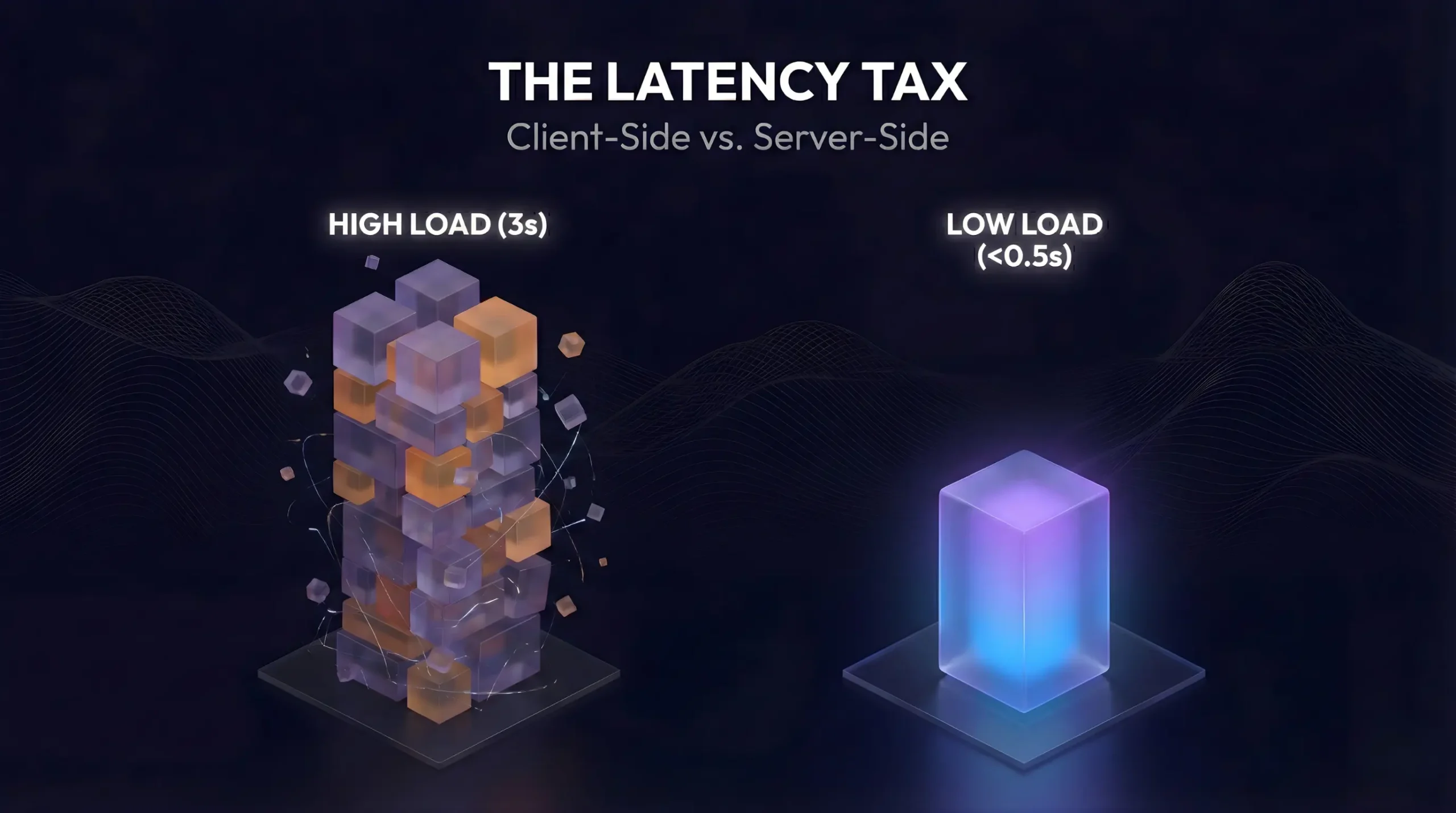
The traditional setup is Client-Side tracking. Every time a user visits your client’s site, their browser has to download, parse, and execute code for every single vendor in your stack.
When the browser is forced to juggle twenty different scripts, the Time to Interactive (TTI) spikes. According to research from web.dev, third-party scripts are a primary cause of performance bottlenecks on the web.
If the page feels heavy, users leave.
The Insight: “We often see agencies fighting for better ad copy while their tracking setup is slowing the page down by 2 seconds. You are paying a ‘latency tax’ on every single click.”
From Slow Speeds to Bad Data
It gets worse. When the browser is overloaded, tags often fail to fire. This creates a discrepancy between what actually happened and what you report.
If you are making bidding decisions based on incomplete data, you are optimizing based on hallucinations. Eventually, the client will notice the gap between your report and their bank account.
The Strategic Pivot: Implementing Server-Side Control
The solution is to move the heavy lifting away from the user’s device and onto a server you control.
Instead of the user’s phone loading 50 scripts, it sends one clean stream of data to your own Data Gatekeeper (a server container). That server then distributes the data to Meta, Google, and TikTok.
Google explicitly highlights in their Server-Side Tagging documentation that this method improves performance and security. But for an agency leader, the real benefit is Governance.
The Old Way vs. The Strategic Way
To explain this shift to your stakeholders, look at the difference in control.
| Feature | Client-Side (The Risky Way) | Server-Side (The Strategic Way) |
|---|---|---|
| Site Speed | Slower; browser loads every vendor tag. | Faster; browser loads one "collector." |
| Data Accuracy | Low; blocked by ad-blockers (15-20% loss). | High; circumvents browser blockers. |
| Cookie Life | 7 Days (Safari/Apple limits). | Extended (First-Party ownership). |
| Client Risk | High; vendors can scrape PII. | Low; you control exactly what is sent. |
This architecture shifts you from renting data to owning it. However, a clean architecture means nothing if the data flowing through it is garbage.
The “Ghost Tag” Crisis
While Server-Side fixes the flow of data, it does not fix the mess inside the container.
When we audit agency-managed accounts, we almost always find Ghost Tags, snippets from tools the client stopped using years ago. This is the core of the digital hoarders problem.
These tags are not harmless. They slow down the site and can even cause security leaks. If you do not have a process to remove them, you are just building a faster way to process junk.
Don’t Let Old Vendors Break Your New Site
You don’t need to be a developer to find the rot. We’ve built a specific Technical Audit Sheet to help you identify the Zombie Pixels, The ‘Heavy’ Pixels, and the Privacy Leaks:
This creates a catch-22. You know the container is bloated, but you don’t know which tags are safe to cut. You are technically flying blind.
This is exactly where you need to pause and run a diagnostic before you try to fix anything.
3 Steps to Design a Scalable Infrastructure
Once you have clarity on what needs to go, you can stop reacting and start architecting. The move from messy tags to clean infrastructure comes down to three operational shifts.
1. Audit Before You Build:
Before you promise the client better data, you need to know what is broken. Use a technical audit sheet to identify active triggers and ensure your Consent Mode (cookie banner) isn’t just window dressing.
This step is critical because broken tracking consent isn’t just a technical glitch; it’s a compliance liability. If the banner says “No” but the tag fires anyway, you are exposing the client to legal risk.
2. Establish a Single Point of Truth:
Ensure your Purchase event looks the same for every platform. If Meta defines a conversion as a button click, but Google defines it as a Thank You page load, you will never balance the books.
Without this alignment, you will inevitably see signs your client’s CRM is sabotaging your performance reports.

3. Own the House (First-Party Data):
When you rely on standard pixels, you are renting data from Google. When you move to Server-Side, you own the house. You decide what data is collected and how long it is kept.
This technical foundation is also the only way to succeed at recovering lost data when GA4 fails, ensuring you capture conversions that usually vanish due to privacy filters.
Ownership is the Ultimate Retention Tool
The agencies that win in the next 12 months won’t just be the ones with the best creatives. They will be the ones who can look a client in the eye and say, “We trust our data because we built the infrastructure.”
Once your infrastructure is solid, you can finally shift your focus to more advanced metrics. You can move from ROAS to POAS and grow your client’s accounts with confidence.
You do not have to guess which tags are slowing you down. We have developed a specific tool to help you identify the Ghost Tags that are haunting your site speed.
Stop optimizing based on hallucinations.
Identify the rot in your container before it impacts your next client report by getting your Free Tracking Audit & Checklist here.
Is your tracking actually telling the truth?
Do not wait for the next tough monthly meeting to find out. We can help you identify the gaps in your signal before your client does