
Search “shopify cro audit” and you get the same playbook twenty times over. Rewrite the product page. Add urgency. Test the headline. Watch a session replay, a recording of a real visitor’s clicks and scrolls. That list is identical for a store doing $200,000 a year and one doing $50 million, and at the top end it misses almost all of the money.
The short answer. At $5M to $50M, the leak is rarely the product page. It sits in the handoff from cart to checkout, in mobile checkout, in the code that changes prices at checkout, and in the post purchase window, the minutes after a customer pays. Nine checks find it. Five of them use data already sitting in your Shopify admin.
Conversion rate optimisation, often shortened to CRO, means raising the share of visitors who buy without buying more traffic. Autonomous Technologies is hired to find the step that is leaking margin: we build and run the systems behind Shopify stores for founders and operators who own the store after launch, and we get called when the conversion number moved and nobody can point at the cause. That bias is worth stating, so we have linked every platform claim below to Shopify’s own pages, and our conversion rate optimisation work is on the table too.
Who this is for, and who it is not for. This is for the ecommerce or growth lead on a Shopify or Shopify Plus store doing roughly $5M to $50M a year, who has hired a CRO agency before and found the findings generic. It is not for you if you run a small catalogue on a stock theme: most of these checks need order history, segments and code access you will not have yet.
Conversion is a chain of steps, and one number hides which link broke
Conversion is not a single rate. It is a chain: land, browse, add to cart, reach checkout, finish checkout, see the upsell (an extra offer shown after the main purchase), accept it. Each link has its own rate and its own way of failing. The headline number on the dashboard multiplies all of them together, so a drop tells you nothing about where.
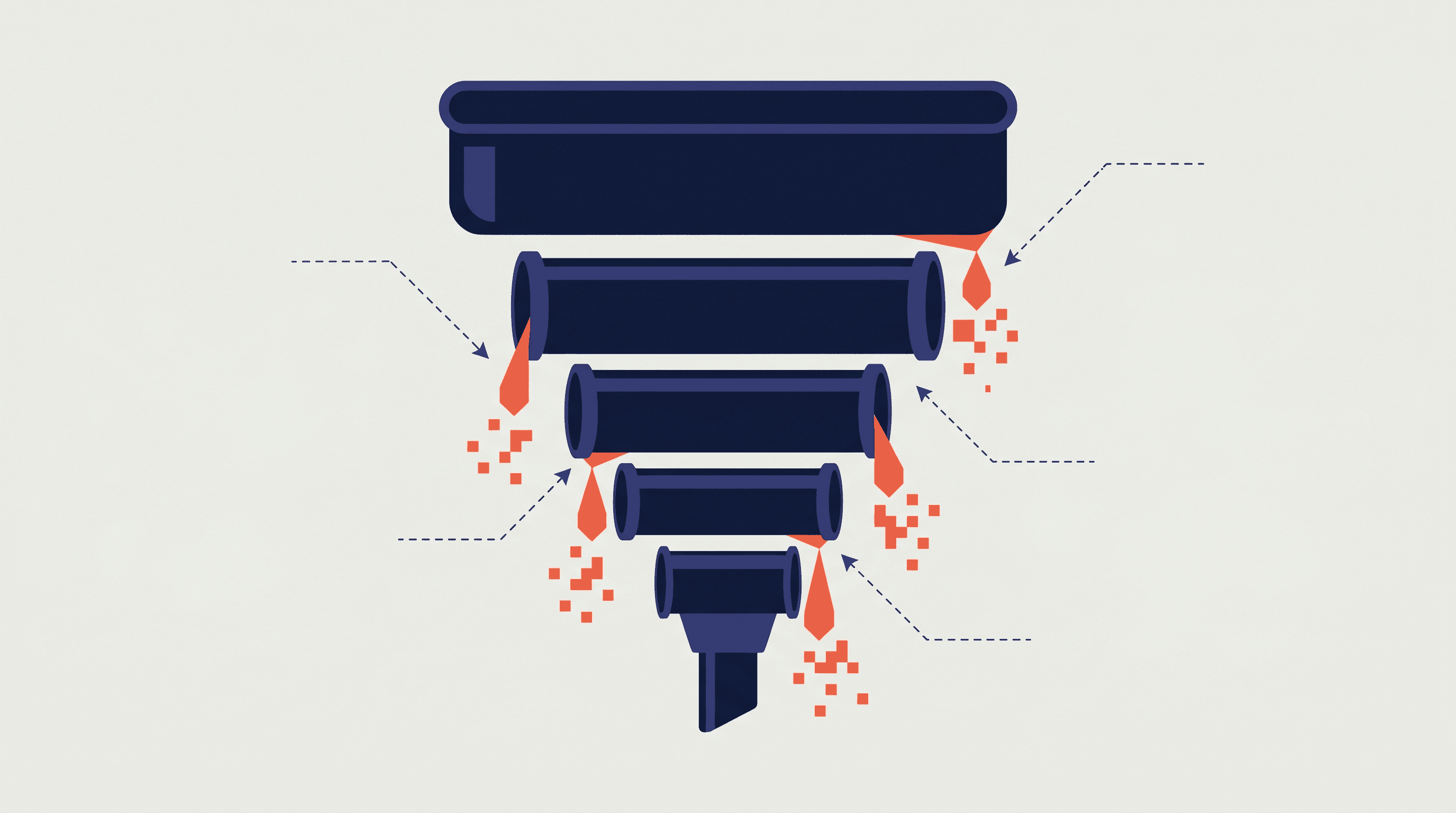
Five layers carry most of it. First, theme code (the template that controls how your store looks and behaves) that grew for five years. Second, custom logic that changes prices at checkout. Third, mobile checkout, which quietly gets worse every time new theme code goes live (a theme deploy). Fourth, B2B (selling to other businesses) traffic mixed into the DTC (direct to consumer) number. Fifth, the post purchase window, which is the most profitable space on the site.
Shopify’s own report gives you four stages, not four checkout steps
Two facts have changed, and most CRO checklists still get both wrong.
First, checkout is one page by default. Shopify’s help page says the layout “is set to be a one-page checkout”, collecting order details, shipping and payment together, checked 21 September 2026. Three page checkout is still available as a choice, and merchants can switch between the two in the admin. So you cannot assume there is a “checkout step three of four”. Open your own admin and find out which layout you are on before you measure anything.
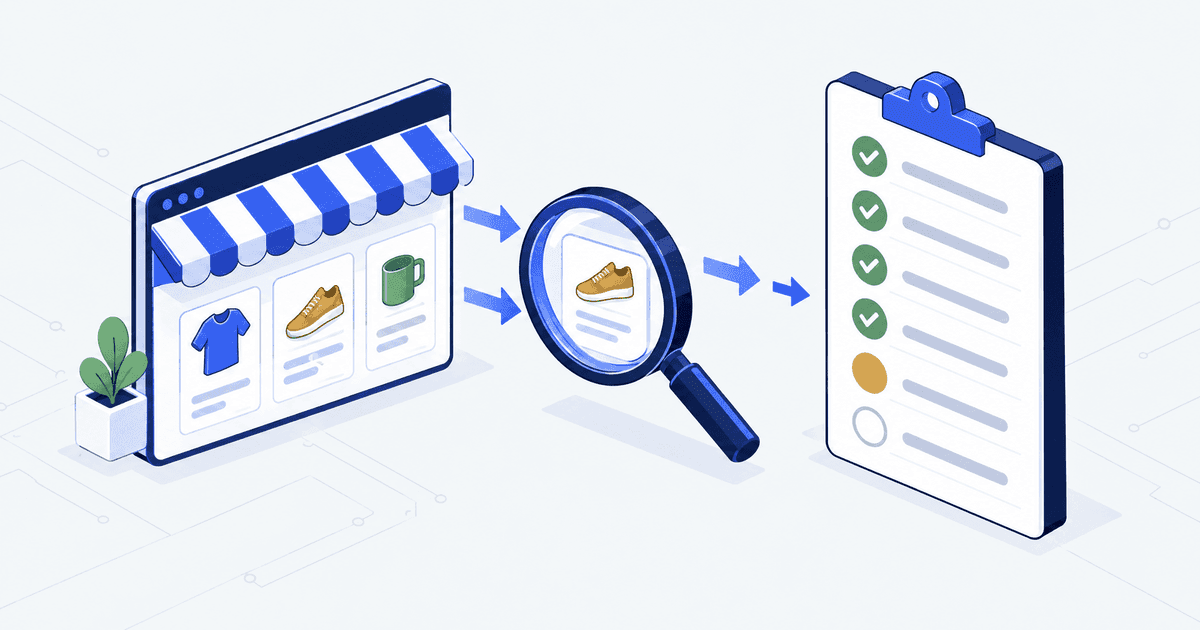
Second, Shopify’s built in funnel report (the path from first visit to purchase) shows four stages, not a rate for each step. The stages are “All sessions”, “Sessions with cart additions”, “Sessions that reached checkout” and “Sessions that completed checkout”, checked 21 September 2026. Anything finer than that comes from checkout events you set up tracking for yourself, meaning logged actions such as a shopper tapping a button. Plan for that before you promise a step by step diagnosis.
Nine checks, and the number that makes each one urgent
The order matters. What you find upstream changes how you read what comes next.
| # | What you read | Turns urgent when |
|---|---|---|
| 1 | Cart abandonment split by device, region, source and tag. | One segment sits 15 to 25 points worse than the rest. |
| 2 | The four funnel stages, split mobile and desktop. | Reached checkout to completed falls under 70% on mobile. |
| 3 | What stopped when Shopify Scripts went off. | Any rule from the customizations report is still unbuilt. |
| 4 | Mobile product page scroll depth against the buy button. | The button sits below the median scroll depth of 60 to 80%. |
| 5 | Add to cart rate from search against category pages. | The usual 2x gap is flat or inverted. |
| 6 | Payment methods shown against methods actually used. | A method above 10% of orders is hidden from a segment. |
| 7 | Post purchase upsell timing and accept rate. | Accept rate under 1.5% against a 4.5% median. |
| 8 | B2B portal login to order rate. | Under 60% of logins reach an order. |
| 9 | B2B price list render time on the product page. | The tagged price lands more than 300ms after the retail one. |
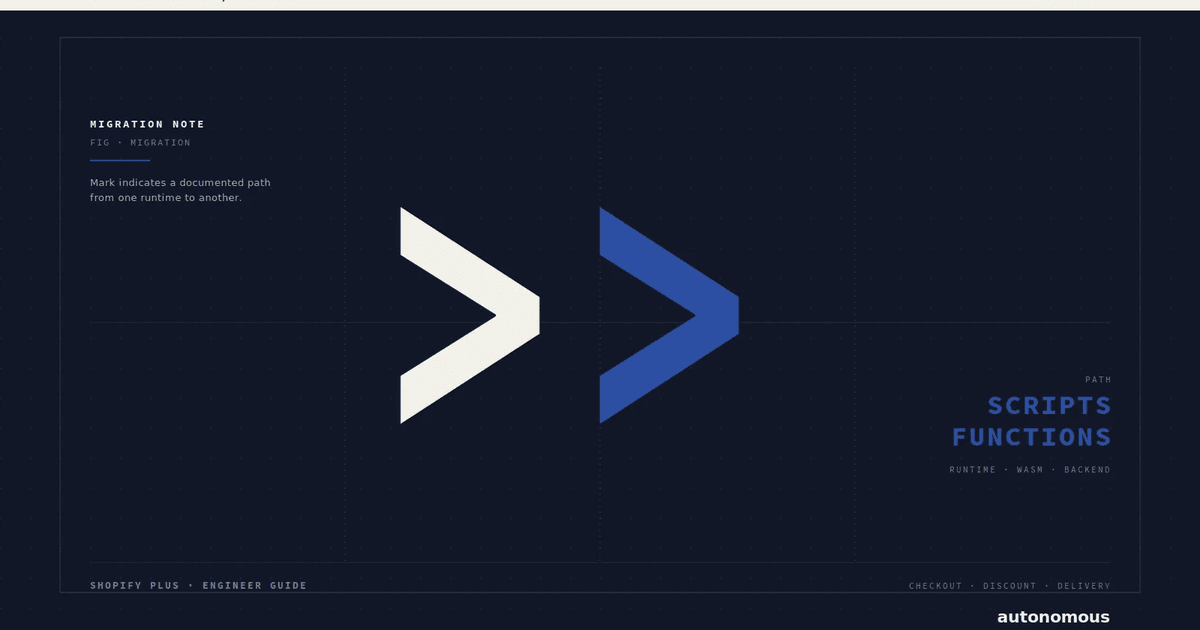
Check 3 changed this year. Shopify Scripts, the small pieces of custom code that adjusted prices and discounts at checkout, stopped running on 30 June 2026, so there is no live Script to measure. The check is now the reverse: pull the Scripts customizations report from your admin and confirm every rule it lists was rebuilt as a function (Shopify’s replacement for Scripts) or a native setting. Our guide to retiring Scripts walks that audit. A discount rule that was never rebuilt reads on the dashboard as a slow conversion decline.
Check 9 is a failure on Shopify Plus (Shopify’s top tier plan) B2B stores, and it costs real orders. A catalogue is a set of prices for a buyer, and catalogues attach to a company location, up to 25 of them per location, checked 21 September 2026. If the retail price appears first and the contract price lands after, the buyer sees a number they never agreed to. Log in as a test buyer carrying the same tag as your business customers and time how long the page takes to show the right price.
The mobile gap is the most useful number on the list
Divide mobile conversion by desktop conversion. That single ratio tells you whether mobile is normally weaker or actually broken.
| Metric | Healthy median | Audit worthy |
|---|---|---|
| Sitewide conversion, DTC. | 2.3%. | Under 1.4%. |
| Sitewide conversion, B2B portal. | 8.5%. | Under 4%. |
| Cart to reached checkout. | 72%. | Under 58%. |
| Reached checkout to completed, mobile. | 81%. | Under 70%. |
| Mobile conversion divided by desktop. | 0.55. | Under 0.40. |
| Post purchase upsell accept rate. | 4.5%. | Under 1.5%. |
| On site search conversion. | 6.2%. | Under 3%. |
A ratio near 0.55 is normal. Mobile is a harder place to buy and always will be. Under 0.40 means something specific is broken. It is usually one of four things: the address form redraws itself when the buyer taps edit, the payment pop-up clashes with the theme’s styling code (CSS), the one-tap express checkout button sits below the fold (the part of the screen you have to scroll to), or address suggestions fail. We have moved that ratio from 0.31 to 0.52 inside a 30 day window on three separate stores.
If your mobile to desktop conversion ratio is under 0.40, something on mobile is broken. The fix is almost always one named thing, not a redesign.A pattern across our audit dataset, 24 months to September 2026
Conversion work only counts when the number moves and someone can point at why. On SafaiKaro we tracked one behaviour across two matched windows. The share of Google visitors who started a chat went from 17.3% to 21.5%, across the 37 days to 23 July 2026 and the 39 days after it, written up here.
Speed multiplies the other fixes, it does not replace them
Shopify holds theme store entries to “a minimum average Lighthouse performance score of 60 across the home page, product page, and collection page”, checked 21 September 2026. Lighthouse is Google’s free tool that scores how fast a page loads. A live theme five years into its life is usually well under that.
Three findings repeat. Themes carry sections from campaigns that ended years ago. Product pages ship two to six times more JavaScript (the code that makes a page interactive) than they run when the page first appears. And images are served far larger than they display. The cause is that the theme skips the image_url and image_tag filters that build a proper srcset, the list that lets each phone download a right-sized image. Shopify’s own guidance also says never lazy load (delay loading) the largest image on the page.
On one Plus store doing about $14 million a year, a performance pass in early 2026 took mobile largest paint, the time the biggest element takes to appear, from 3.8s to 2.1s. It also cut the mobile JavaScript bundle, the total code a phone downloads, from 480KB to 220KB. Conversion moved 0.34 percentage points across the 30 days that followed, worth roughly $52,000 a month at that store’s order volume. Useful, but smaller than any single checkout fix on the list above. Speed makes the other fixes land harder. It is not a substitute for them.
What breaks, and who owns it
The honest objection is that we sell fixes, so an audit run by us will always find work. Fair. Three things break anyway, and naming an owner is the only thing that stops them.
Nobody owns mobile checkout. It is the most fragile surface on the store and the least tested. Theme deploys, app updates and payment provider changes all land there. Pick one person who walks the full mobile checkout on a real phone after every theme deploy.
The benchmarks get used as targets. The medians above (the middle values) came from stores that were healthy enough to commission an audit and unhealthy enough to need one. Use them to decide what to look at next, never as a goal to hit.
The findings are bugs, not preferences. A button below the fold or a form that re-renders does not need an A/B test (showing two versions to see which wins). It needs a fix and a check that it stayed fixed. Teams lose months waiting for statistically reliable results on things that were simply broken.
Three things to do this week
- Pull the four funnel stages from Shopify Analytics and split them by device. If reached checkout to completed is under 70% on mobile, you have a named place to dig.
- Work out your mobile to desktop ratio. If it is under 0.40, walk the whole mobile checkout on three real handsets with a real card, and note every re-render.
- Open the Scripts customizations report in your admin and confirm each listed rule was rebuilt. Anything unbuilt has been off since 30 June 2026.
All three take an afternoon and cost nothing. If the gaps come back small, your conversion stack is healthy and an audit is not your next best spend.
Common questions
How is a Shopify CRO audit different from a generic one?
A generic audit applies the same playbook anywhere: product page rewrites, headline tests, urgency badges. A Shopify audit reads the theme code, the functions that change prices at checkout, the checkout extensions, the apps and the B2B catalogue setup. Roughly 60% of what we find sits in Shopify surfaces a generic auditor cannot open.
How many checkout steps does Shopify have now?
By default, one. Shopify’s help page says the checkout layout is set to a one-page checkout that collects order details, shipping and payment together. Three page checkout is still available, and merchants can switch between the layouts in the admin. Check which one you are on before you measure step drop off.
Can we run these checks ourselves?
Five of the nine, yes. Cart abandonment by segment, the four funnel stages, payment method distribution, on site search and upsell accept rate all come from data in your admin. The other four need code access: the Scripts rebuild check, mobile product page layout, the B2B portal and price list render time.
Do you need admin access?
Yes, read only. The audit reads theme code, apps, functions and about 90 days of order history through a collaborator account. Nothing is changed during the audit itself.
Is there a tool that runs this audit?
The instruments are ordinary: Chrome DevTools, Shopify Analytics, a real phone. The synthesis is the audit. A tool can tell you the largest paint took 3.2s. It cannot tell you the cause is a subscription widget that also explains the cart drop off in check one.
Sources, all checked 21 September 2026. One-page checkout, behaviour reports and the conversion funnel, companies and B2B catalogues, Shopify Scripts and the Script Editor app, performance best practices for Shopify themes.