n8n automation starts with one handoff you re-key by hand. Monday, 9.10am: the Shopify admin is open in one tab, yesterday’s orders in a Google Sheet in another, and the warehouse portal in a third. You copy the order lines across by hand. Two get the wrong variant. Nobody finds out until Thursday.
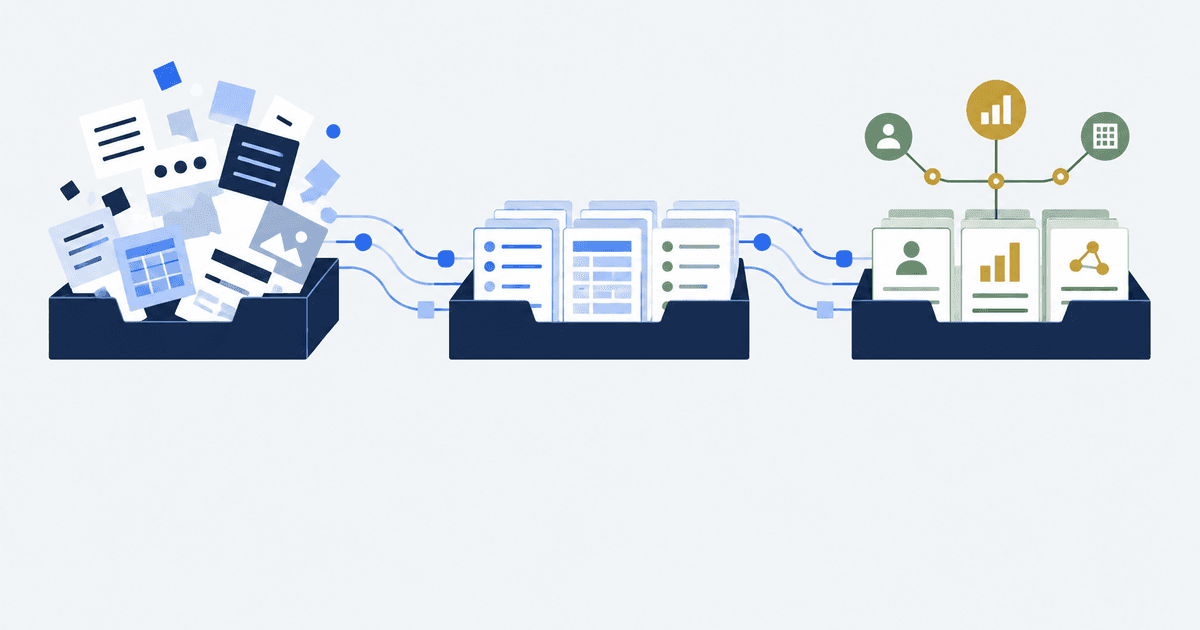
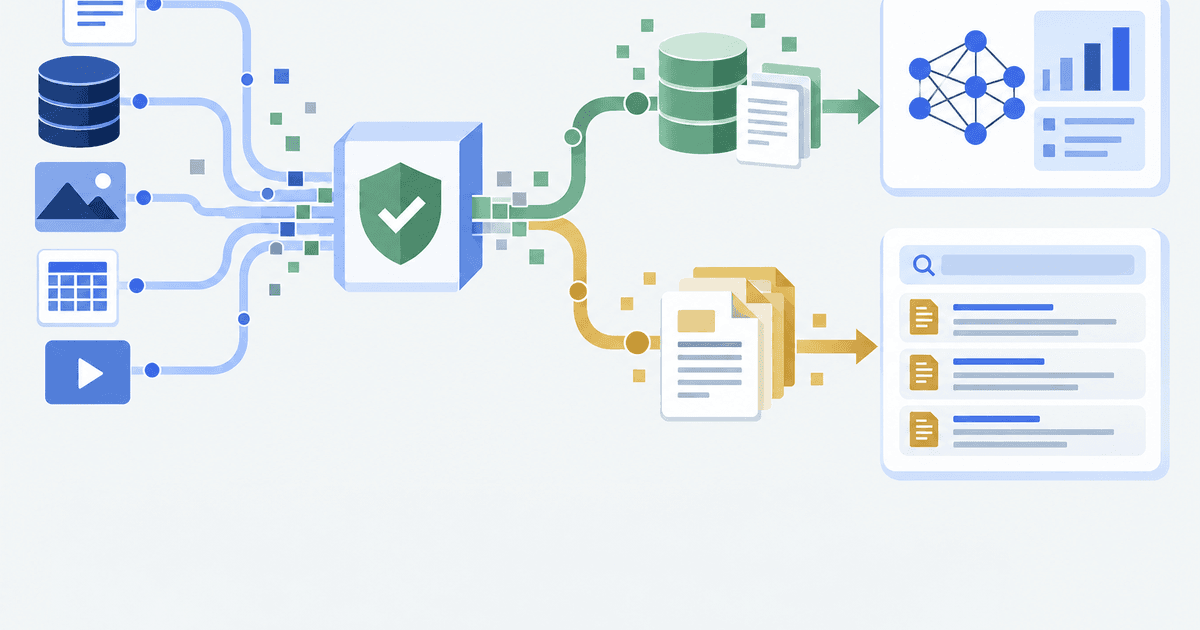
That handoff is the one to automate first. Workflow automation means software doing a handoff you currently do by hand: one system emits an event, another system gets written to, and no person retypes anything in between. n8n is a tool for building those handoffs on a canvas, by connecting boxes called nodes instead of writing an application. The rest of this guide is how to use n8n to build that first handoff.
Start with one handoff: a Shopify order event, a filter, and one write into the system that needs it. Build it in n8n with a Shopify Trigger, an If node and one app node. Publish it, watch a week of executions, then add the second. One workflow, one owner, one week.
This guide is for the operator who owns the store after launch
You run one or a few Shopify stores. Orders get re-keyed into a warehouse portal, a spreadsheet or an accounting system. Inventory drifts between them. You are the person who finds out on Thursday. When stores bring us this ecommerce operations problem, what they want back is the hours going into retyping and the refunds caused by a wrong row. Autonomous Technologies is a Shopify systems agency, and that is the work.
It is not for you if you are choosing where to run n8n. That is a hosting decision with its own cost and security questions, and it belongs in the self-hosting guide. It is also not for you if you want one tool to replace an ERP. This guide covers one handoff at a time.
Pick the handoff you re-key, not the one that annoys you most
The handoff that annoys you is usually the one you notice. The one worth automating is the one you retype, because retyping is where variants get swapped and quantities get fat-fingered.
Four questions rank your candidates, and you can answer all four from records you already have.
| Question | Where to look | Automate this one first if |
|---|---|---|
| How often does this handoff happen? | Your order count in the Shopify admin for the last 30 days | It runs daily or more often |
| What does a mistake cost? | Your last three customer complaints | A wrong row reaches a customer or a carrier |
| Does a system already announce the event? | The trigger node list in n8n | The event exists, so nothing has to poll on a timer |
| Who fixes it at 7pm on a Friday? | Your own on-call reality | A named person, not whoever notices |
If no candidate clears all four, automate nothing yet and fix the record-keeping instead. A workflow built on a handoff nobody owns becomes a second thing nobody owns. The same four tests are how we reduce manual work in operations across a whole store, one handoff at a time.
How to use n8n: the four nodes that do the work
A node is one step on the canvas. A trigger node is the step that starts a run, and every published workflow needs exactly one. The rest read, decide, or write.
You do not need the whole catalogue. n8n’s documentation lists hundreds of built-in nodes, and for any service without one it points you at the HTTP Request node, which calls an API directly. Four names carry a first build.
| Node | What it is | What it does in your first workflow |
|---|---|---|
| Shopify Trigger | A trigger that fires on a store event | Starts the run when an order is created or paid |
| If | A two-way branch on a condition you set | Sends only the orders that match, for example a single shipping country |
| Google Sheets | An app node with an Append or Update Row operation | Writes the row, or updates it if it already exists, so a repeat run does not duplicate |
| Error Trigger | The first node of a separate error workflow | Catches a failed run and notifies you instead of failing silently |
Two more earn their place quickly. The Code node runs your own JavaScript or Python when the built-in nodes cannot reshape the data the way you need. The Merge node joins two branches back together, which is what you need the moment a second lookup enters the picture.
A workflow you did not publish is a workflow that never runs
This is the failure that costs people their first afternoon. n8n gives a Webhook node two addresses: a Test URL and a Production URL. The Test URL only listens after you select Listen for test event, and n8n’s documentation states it stays active for 120 seconds. Miss that window and the request you sent vanishes with no error to read.
New workflows are unpublished by default. You publish one by opening it and clicking Publish, not Activate, which is what the older guides still say. Until then the Production URL is not serving anything.
Test with the Test URL, ship with the Production URL, and publish before you tell anyone it works. The most common report we hear, that “the automation stopped working”, is usually a workflow that was never published, or one published and then edited into an unsaved state.
Shopify gives your endpoint five seconds and eight retries
Your workflow does not get to be slow. Shopify’s developer documentation on webhook delivery is explicit about the contract, and n8n’s own guidance on execution data sets the retention limits on the other side.
| Limit | Figure | Source, read 21 September 2026 |
|---|---|---|
| Time to answer a Shopify webhook | One second to connect, five seconds for the whole request | shopify.dev, HTTPS delivery |
| Retries after a failed delivery | Up to 8 attempts inside a four-hour period | shopify.dev, troubleshoot webhooks |
| Subscription removal | After multiple failures in a 24-hour period the subscription is removed | shopify.dev, troubleshoot webhooks |
| Execution history kept by default | 336 hours, which is 14 days, or 10,000 executions, whichever comes first | docs.n8n.io, manage execution data |
| Test webhook window | 120 seconds after you select Listen for test event | docs.n8n.io, Webhook node |
Read the third row twice. A failing endpoint does not just lose the events it failed on. Shopify removes the subscription, and the events that arrive afterwards are never sent at all, so the store goes quiet in a way that looks like nothing is happening rather than like something is broken.
Shopify also warns that your endpoint might receive the same webhook more than once, after a network timeout or a retry. That is the argument for Append or Update Row over Append Row, and for a check on the order ID before you write anything a customer will see.
What breaks, and who owns it
Five things break in the first month, in roughly this order.
The schedule runs at the wrong hour. n8n’s documentation states that if you configure neither the workflow timezone nor the instance timezone, it defaults to EDT, New York. A daily reconciliation set for 6am can land in the middle of your afternoon.
A credential expires and nobody is told. This is the one that needs the Error Trigger. Build one error workflow, select it under Error Workflow in each workflow’s settings, and send yourself the failure. Without it, a run fails into a log you are not reading.
The history you need is already gone. Fourteen days of executions is enough to debug last week and not enough to answer a question about last quarter. Write what you will be asked about into a sheet or a database at the time.
The workflow quietly becomes an application. We hit this on Container One. Their dynamic pricing logic started as an n8n workflow and was rebuilt as Python inside their own codebase, replicating the same 8 steps, loading delivery timelines for 36 locations, and returning at most 3 matching containers. Once a flow has branching rules, tests and a release you care about, a canvas is the wrong home for it.
Nobody approves the change. The single most useful rule we run is that automation proposes and a person disposes. On the SafaiKaro weekly routine trial run of 6 September 2026, 12 of 22 queued items shipped, 3 were dropped by the independent reviewer, and 6 were carried forward. The three that were dropped are the reason the rule exists.
Write the owner’s name on the workflow before you publish it. Not a team, a person: the one who gets the error email, who has the credential, and who decides whether a failed run is retried or left alone. An unowned workflow is an outage waiting for a quiet week.
One more boundary worth knowing before you build on n8n commercially. Its Sustainable Use License documentation is clear that n8n is fair-code rather than OSI open source, and that the licence limits use to your own internal business purposes. Running n8n for your own store is allowed. Hosting it and charging customers to access it is not.
Questions operators ask before their first workflow
What is workflow automation, in one sentence?
Software doing a handoff you currently do by hand, where one system emits an event and another system gets written to without a person retyping anything. In a store it usually means an order, a refund or an inventory change moving from Shopify into a warehouse portal, a sheet or an accounting system on its own.
Do I need to write code to use n8n?
No. A first workflow of a trigger, a condition and one write is built by connecting nodes on a canvas and filling in fields. The Code node exists for the cases the built-in nodes do not cover, and n8n’s documentation confirms it runs JavaScript or Python, but you can ship useful automations without opening it.
What can the n8n Shopify node actually do?
Its documentation lists two resources, Order and Product, each with Create, Delete, Get, Get all and Update. Anything beyond that, such as a metafield write or a bulk operation, goes through the HTTP Request node against Shopify’s API, which is the same path n8n recommends for any service without a full node.
How do I know my workflow is still running next month?
Two things, both set up on day one. An error workflow that starts with the Error Trigger and emails you on failure, and one figure you check weekly that the workflow is supposed to move, such as the count of orders written into the warehouse portal against the count created in Shopify.
When should this stop being an n8n workflow?
When it needs tests, a review before changes ship, or a release you would roll back. That was the line on the Container One pricing flow. The canvas is excellent for a handoff and a poor place for a product.
Start with the handoff, not the platform
Pick the one handoff you retyped last week. Build it with a trigger, a condition and one write. Publish it, name its owner, and look at a week of executions before you build the second.