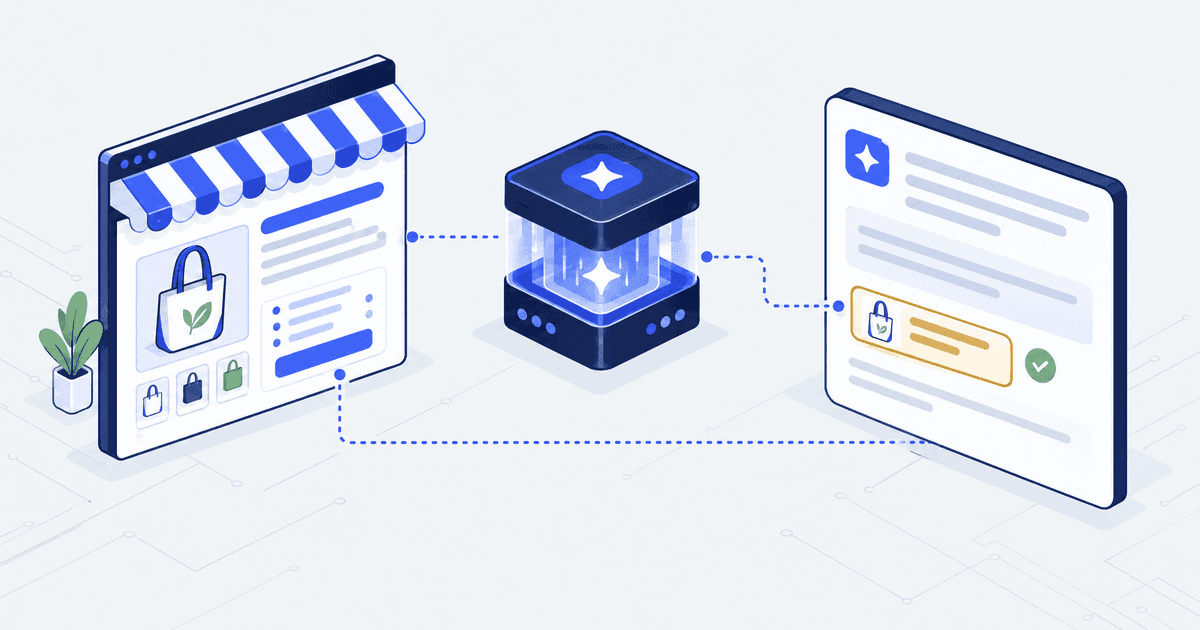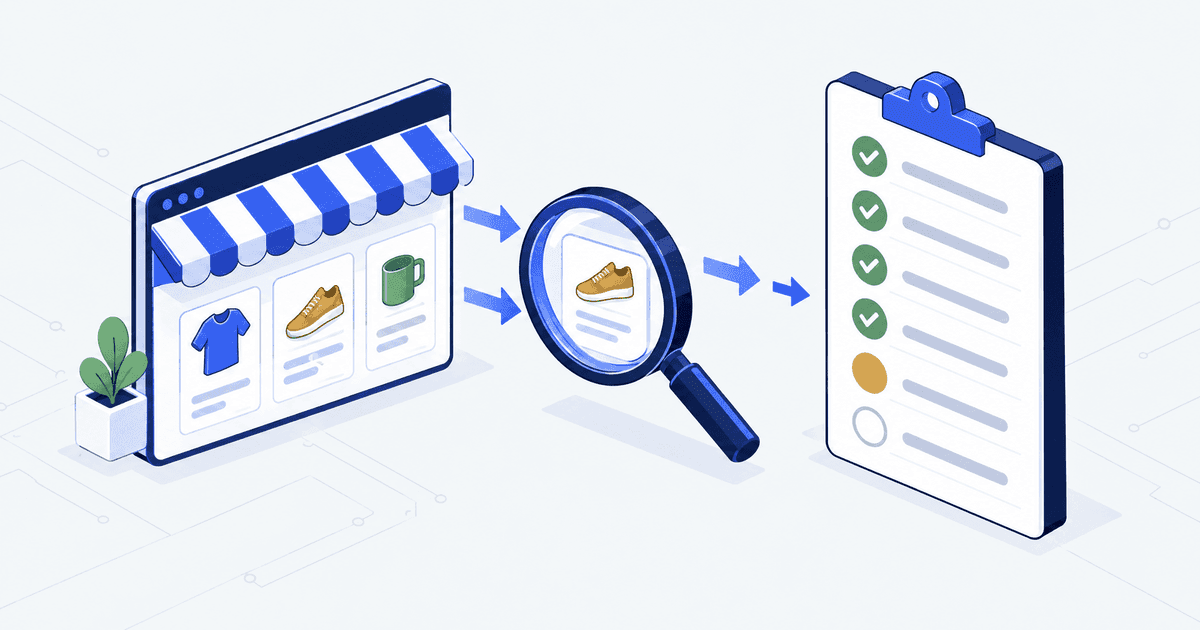

A Shopify SEO checklist has 13 checks. Shopify already does three of them for you: the sitemap, the robots file and canonical tags. Your job is to confirm those three still work, then fix the ten that themes, apps and copy break. Run it now, and again after every theme or app change.
In plain words: the sitemap lists your pages for search engines. The robots file tells them which addresses to skip. A canonical tag names the main version of a page when several addresses show the same content.
Who this is for. You launched, the store looks right, and Google still sends almost nobody. You cannot tell whether something is broken or the site is just new. This list tells you which, one check at a time. It is not for a store built with Hydrogen, Shopify’s toolkit for fully custom-coded storefronts. There, these defaults work differently.
The 13 checks at a glance, with an owner for each
Start with the table, then read the checks you are not sure about. The owner column matters most. A check with no owner is the one that breaks again after the next app install. One failed check can waste every hour of content you write after it. That is why these checks come first in our Shopify SEO and AI search work too.
| # | Check | What good looks like | Owner |
|---|---|---|---|
| 1 | Search Console and Bing set up | Both verified, sitemap submitted, no rising errors | Merchant |
| 2 | Robots file | Shopify default, or every edit written down | Developer |
| 3 | Collection product links | Grid links go to /products/ URLs | Developer |
| 4 | Variant URLs | Every ?variant= URL names the product page as its main version | Developer |
| 5 | Collection pagination | Page 2 names itself as the main version, linked with a plain link | Developer |
| 6 | Titles and meta descriptions | Unique, title near 60 characters | Merchant |
| 7 | Handle changes | Every changed URL redirects, no 404s | Merchant |
| 8 | App scripts | No code left from uninstalled apps | Developer |
| 9 | Theme rendering | Key copy visible in the crawled HTML | Developer |
| 10 | Structured data | Product schema valid and matching the page | Developer |
| 11 | Image alt text | Every product image describes what it shows | Merchant |
| 12 | Internal links | No page without a link to it | Agency or merchant |
| 13 | AI Overview readiness | A direct answer in the first 50 words | Agency or merchant |
Checks 1 to 2 confirm Shopify’s defaults are still working
1. Search Console and Bing Webmaster Tools. These are the free dashboards where Google and Bing show which of your pages they have found and listed. Shopify generates your sitemap at yourstore.com/sitemap.xml, according to its sitemap help page. It lists products, collections, pages, blog posts and primary product images. Verify your domain in Google Search Console and submit that sitemap.
Then add Bing. Bing lets you import sites straight from Search Console, so it takes minutes. Indexed means the engine has stored the page and can show it. Good looks like both tools verified, with page indexing errors flat or falling.
2. The robots file. Shopify’s default file already blocks filtered and sorted collection pages, checkout and cart, per its robots.txt guide. You can change it by adding a theme file called robots.txt.liquid. Liquid is the template language Shopify themes are written in. Shopify calls this an unsupported customization. It warns that “incorrect use of the feature can result in loss of all traffic.” Good looks like the default file, or a written note for every line someone changed.
Checks 3 to 5 stop duplicate URLs from splitting your rankings
A canonical tag is a line in the page code that tells search engines which address is the main version. Shopify adds these automatically, per its SEO overview. The checks below confirm your theme has not undone that.
3. Collection-aware product links. Some themes put the collection inside the product address, such as /collections/bags/products/tote. They do it with a Liquid filter called within. Shopify’s developer docs warn that this creates two addresses with the same content. Open a collection, hover a product and read the link. Good looks like /products/tote.
4. Variant URLs. A variant is one size or colour of a product. Each variant can load at its own address ending in ?variant= and a number. Open one, then use your browser’s View Source option, which shows the page code. Search for canonical. Good looks like the canonical pointing to the plain product address.
5. Pagination. Pagination splits a long collection across several pages. Google says to give each of those pages its own canonical. It also says to link them with ordinary HTML links. Good looks like ?page=2 naming itself as canonical. A “load more” button with no real link fails this check.
| URL tested | Canonical returned | Pass |
|---|---|---|
| /products/puff-olive-leaf?variant=39577056968793 | /products/puff-olive-leaf | Yes |
| /collections/bags/products/puff-olive-leaf | /products/puff-olive-leaf | Yes |
| /collections/bags?page=2 | /collections/bags?page=2 | Yes |
| /collections/bags?sort_by=price-ascending | /collections/bags | Yes |
Checks 6 to 7 protect the words and addresses you already rank for
6. Titles and meta descriptions. The meta description is the short summary under your title in search results. Shopify allows 70 characters in the title field but suggests keeping it to 60 to avoid shortened titles. It recommends 160 characters for the description, per its keywords guide. Search Console’s Performance report shows which pages draw impressions and few clicks. An impression is one time your page appeared in someone’s results. Good looks like a unique title on every product and collection, with the search term first.
7. Handle changes. The handle is the last part of a page’s address. When you change a collection’s handle, Shopify asks whether to create a redirect from the old URL. Always tick it. A 404 is the “page not found” error a shopper or search engine hits at a dead address. Good looks like zero new 404 errors in Search Console after a catalogue tidy.
Checks 8 to 10 catch what themes and apps break
8. Code left behind by apps. Shopify’s help centre says “some apps add code to your online store theme that isn’t automatically removed when you uninstall the app.” Leftover scripts slow the page and can cause errors. Search the theme code for the names of apps you removed. Then run a product page through PageSpeed Insights, Google’s free speed test. Good looks like no scripts from apps you no longer pay for.
9. Theme rendering. Rendering is the step where the browser runs the page’s code and builds what you see. Some themes load descriptions, reviews or size charts with JavaScript, code that runs in the browser after the page opens. Google’s URL Inspection tool has a “View crawled page” option that shows the HTML Google received. HTML is the page code a browser or crawler downloads. Good looks like your key product copy present in that HTML.
10. Structured data. This is hidden code that labels the page for machines: this is the price, this is the stock level. Shopify says structured data for products is built into its themes. Test a product page in Google’s free Rich Results Test, which checks this code. Google’s structured data policy says not to mark up content that is not visible to readers. Good looks like valid product markup whose price and stock match the page.
Checks 11 to 13 make pages readable to people and answer engines
11. Image alt text. Alt text is the description a screen reader speaks and a search engine reads. Shopify’s keywords guide asks for alt text that “clearly describe[s] what is being displayed.” Edit it from the product image in admin. Good looks like every product image described in plain words.
12. Internal links. Google finds pages by following crawlable links, meaning ordinary links its crawler, the program that fetches pages, can follow. A page with no link to it starts with no position to improve. Good looks like every collection linked from navigation, and every guide linked from at least one collection or product.
13. AI Overview readiness. AI Overviews are the AI-written summaries at the top of some Google results. Google says there are no extra requirements to appear in them. A page that states its answer plainly near the top is easier to quote. In our own audit of 13 live pages, only 2 opened with an answer a machine could quote cleanly. Our generative engine optimization guide covers the five page changes. Good looks like a direct answer in the first 50 words of each collection and guide.
The Shopify SEO tools that cover all 13 checks
You do not need a paid SEO app to run this list. These cover it:
- Google Search Console for indexing, the Performance report and URL Inspection (checks 1, 6, 7, 9).
- Bing Webmaster Tools for the same view of Bing (check 1).
- Rich Results Test for structured data (check 10).
- PageSpeed Insights for speed and leftover scripts (check 8).
- View source in your browser for canonicals (checks 3 to 5).
We also use Ahrefs, a paid SEO research tool, for keyword volumes and competitor pages. It helps with choosing what to write, not with any of the 13 checks.
Where this checklist stops. Passing all 13 makes your pages eligible to rank. It does not rank them. Eligibility is the floor. Pages people want and links from other sites do the rest.
Our own site shows the gap. We ran the same checks on it in September 2026, and the numbers are published in full.
| Our own site, autonomoustech.ca | Result | Window |
|---|---|---|
| Audited pages that were indexable and unblocked | 13 of 13 | Audit of 11 September 2026 |
| Audited pages that opened with an answer a machine could quote | 2 of 13 | Audit of 11 September 2026 |
| Live pages with zero Google clicks | 82 of 92 | 22 August to 18 September 2026 |
Questions merchants ask about Shopify SEO
How do I improve SEO on Shopify?
Start with the 13 checks above in order. Set up Google Search Console and Bing. Confirm canonicals on variants, collections and pagination. Then rewrite titles on pages with high impressions and few clicks. Those pages are closest to earning traffic.
Does Shopify handle SEO automatically?
Partly. Shopify generates the sitemap, the robots file and canonical tags, and its themes include product structured data. It does not write your titles, alt text or page copy, and it cannot stop an app or theme edit from breaking the defaults.
Do I need a Shopify SEO app?
Not to run this checklist. Google Search Console, Bing Webmaster Tools, the Rich Results Test and PageSpeed Insights cover all 13 checks free. An app can speed up bulk edits such as alt text, but check what code it adds to your theme.
Should I edit the Shopify robots.txt file?
Usually not. Shopify’s default already blocks filtered and sorted collections, checkout and cart. Shopify calls edits an unsupported customization and warns that a mistake can cost all traffic. Change it only for a specific, written reason, and keep a note of each line you change.
How often should I run a Shopify SEO checklist?
Run the full list once now. Then rerun checks 3, 4, 5, 8 and 9 after every theme update or app install. Rerun check 7 after any catalogue tidy. Review Search Console monthly for new indexing errors, and fix them before you write new content.
Facts checked 6 October 2026. Shopify, Google and Bing pages were re-read that day, and the Dawn demo store was tested the same day. Re-check by 6 January 2027.