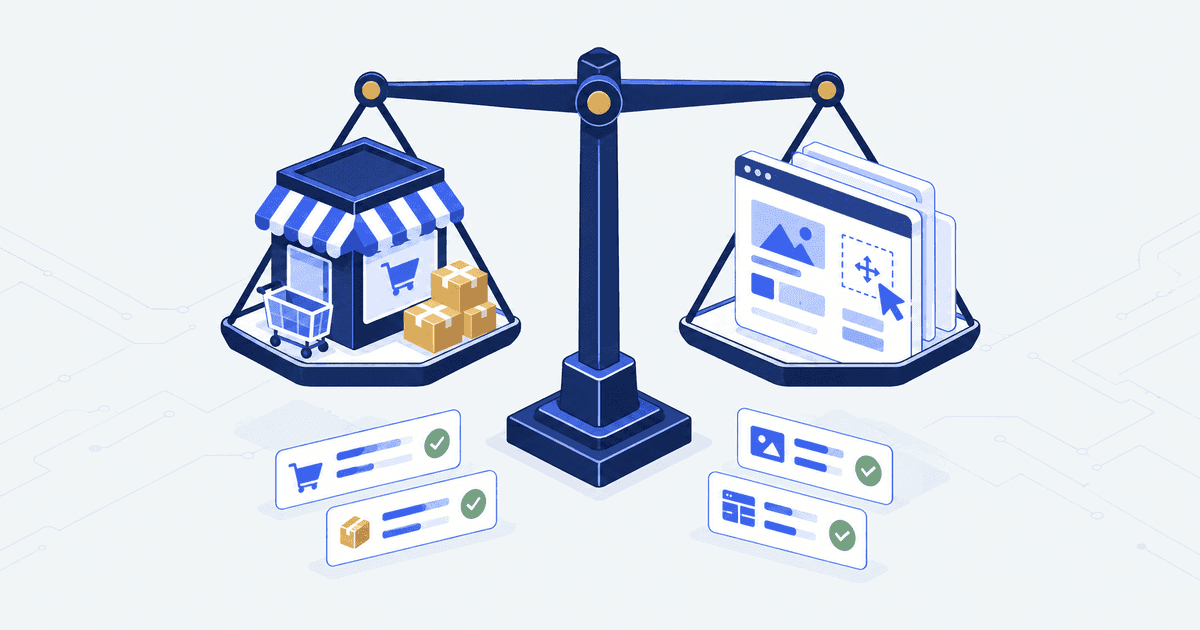

WooCommerce is free and Shopify is not, so the cheaper platform looks obvious. It is not. Shopify Grow costs $49 a month billed yearly and includes hosting. WooCommerce costs nothing, then hosting runs $25 to $350 a month and each extension $29 to $299 a year. The real comparison is who does the upkeep.
The short answer. Choose Shopify if nobody on your team patches PHP, because Grow is $49 a month billed yearly, hosting included. Choose WooCommerce if a WordPress developer is already on your payroll or your site is content-led. WooCommerce software is free, but hosting alone runs $25 to $350 a month.
Who this is for. Teams weighing a move from WooCommerce to Shopify, founders picking a platform before they commit budget, and operators on one platform who wonder whether the other is cheaper. Who it is not for. Teams comparing two hosted platforms, which is a different trade.
WooCommerce vs Shopify at a glance
| Criterion | Shopify | WooCommerce | Which wins |
|---|---|---|---|
| Software budget | $19 to $299 a month on annual billing, Plus from $2,300 | Plugin free, hosting $25 to $350 a month, extensions $29 to $299 a year each | WooCommerce, once the extension list is short |
| Team skills | No server skills needed | Needs WordPress, PHP and hosting skills on call | Shopify |
| B2B and wholesale | Companies, net terms, ACH and PO numbers from Basic | Assembled from extensions, no native layer | Shopify |
| Control | Checkout information, shipping and payment pages can only be customized on Plus | Every file is yours | WooCommerce |
| Content-heavy site | Blogging and pages are adequate | WordPress is the content system | WooCommerce |
| Payment fees | 2% to 0.2% on outside gateways, waived on Shopify Payments | No platform surcharge | WooCommerce at volume |
| Security and PCI | Level 1 PCI DSS by default | The store owner is responsible | Shopify |
| Ongoing upkeep | Platform updates handled | Hosting, PHP, plugins, backups and scans are yours | Shopify |
Two definitions first, because this is not a like-for-like comparison. Shopify is a hosted store platform. It runs the servers, the checkout and the card-security paperwork, and bills you monthly. WooCommerce is a free store plugin for WordPress. You supply the hosting, the WordPress install, the paid add-ons and the people who patch them.
Shopify vs WooCommerce cost per month
Shopify publishes its plans openly. On annual billing, Shopify’s pricing page shows Basic at $19 a month, Grow at $49 and Advanced at $299. Plus starts from $2,300 a month.
A payment gateway is the service that takes the card payment, such as Stripe or PayPal. Shopify adds a fee when you use a gateway other than its own. WooCommerce’s own comparison of Shopify’s rates lists 2% on Basic, 0.6% on Advanced and 0.2% on Plus, re-read 9 October 2026. Shopify’s own pricing pages do not print the rates and say they vary by region. Shopify waives the fee on Shopify Payments, Shop Pay, Shop Pay Installments and PayPal Express (Shopify Payments help).
WooCommerce’s pricing page is clear about the parts that are not free. The plugin has no monthly subscription. Hosting runs $25 to $350 a month for most stores. Extensions run $29 to $299 a year each. WooPayments, its own card service, runs about 2.50% to 2.90% plus 30 cents a sale, and the page states “0% revenue share”.
| Cost line | Shopify Grow, annual billing | WooCommerce, entry hosting |
|---|---|---|
| Platform | $588 a year | $0 |
| Hosting, CDN and security | Included | $300 a year at the $25 a month bottom of the range |
| Six paid add-ons | Included, or priced in the app store | About $1,000 a year at the mid-point of the range |
| Surcharge on $1,000,000 through an outside gateway | $6,000 on Advanced, $20,000 on Basic | $0 to the platform |
| Upkeep hours | Not measured, but the platform handles updates | Your developer rate, every quarter |
So “WooCommerce is free” and “Shopify is expensive” are both true and both useless. Software cost favours WooCommerce at high revenue on an outside gateway. The cost of people favours Shopify almost everywhere else.
For the full Shopify cost by plan and build stage, see our Shopify cost breakdown.
Price the people, not the licence. A choice that weighs $49 a month against $0 a month has skipped the bigger number on both sides. Who does the work, and what does an hour of their time cost you?
Where WooCommerce is better
A comparison that never picks the other side is a pitch. Here are four cases where we would tell you to stay on WooCommerce, or move to it.
Content-led sites. If the writing brings people in, WordPress is the better content system. If the store hangs off a publishing arm, a course library or a membership, rebuilding all of that to save upkeep hours is usually a bad trade.
Payment math at volume. Run seven figures through a gateway on rates you struck yourself, and the Shopify surcharge is a real annual number. On $1,000,000 it is $6,000 on Advanced and $20,000 on Basic. WooCommerce charges nothing for using your own processor.
Checkout rules Shopify will not let you touch. Shopify lists “fully customizable checkout” as a Plus feature. If the business truly needs a rewritten checkout and Plus is not in the budget, WooCommerce hands you the file. The checkout is code on your own server.
A WordPress team already on the payroll. The staffing cost that sinks most WooCommerce comparisons is already paid, and the sums change completely.
The honest test is a staffing question. Can you name the person who patches PHP, clears the plugin clashes and owns the card scan? If you cannot name them, you are not choosing WooCommerce. You are putting the choice off.
Where Shopify is better
Shopify wins where the cost is people, risk and hours rather than licence fees. These are the four places it wins most clearly.
Security and card rules. This is the cleanest split in the comparison. PCI DSS is the card industry rule set every store taking card details has to meet. Shopify says it is “certified Level 1 PCI DSS compliant” and that this “extends by default to all stores powered by Shopify” (Shopify PCI compliance). WooCommerce sets out the opposite deal: “PCI DSS compliance is ultimately the responsibility of the store owner”, and “The core WooCommerce plugin is not PCI certified” (WooCommerce PCI DSS documentation).
That sets a version floor, and somebody has to hold it. WooCommerce’s server requirements ask for WordPress 6.9 or later and PHP 8.3 or later. They also ask for MySQL 8.0 or MariaDB 10.6 or later, 256 MB of memory and HTTPS. Somebody keeps that true every quarter while the store is live.
Selling to trade buyers. B2B means selling to shops, dealers and distributors rather than the public. Many articles still say Shopify B2B needs Plus. That is no longer true. Shopify’s B2B plan features page lists companies, company locations, net terms, ACH payments, saved cards, PO numbers and draft orders on Basic, Grow and Advanced too. Net terms means the buyer pays 30 or 60 days after the invoice. ACH is a US bank transfer. A PO number is the order code the buyer’s finance team needs. The cap is specific: “you can assign up to 3 active catalogs across all your B2B markets” below Plus. WooCommerce has no native B2B layer, so you build it from add-ons.
Speed. Shopify serves the storefront from its own servers, so a slow store is usually the theme and the apps. WooCommerce speed rests on the host, the plugin count and the database. All of that can be fixed. Fixing it is your job.
Upkeep. Shopify handles platform updates. On WooCommerce, hosting, PHP, plugins, backups and scans are yours, and a checkout that breaks after an update has no vendor on the hook.
What switching costs
Shopify names WooCommerce among its supported sources and documents five routes in its migration guide: the Store Migration app, CSV files, third-party migration apps, Shopify Partners and custom API work. Products and customers move by CSV or app. Historical orders, gift cards, blogs and pages need an app or the API. Sequence matters. Products must exist before customers, and customers before historical orders, or the records do not link.
Two details surprise people. Customer passwords do not come across. Shopify states that “Because passwords are encrypted, only customer records are imported to Shopify” (Shopify migration checklist). Every customer signs in again, and somebody writes that email. And a WordPress URL structure rarely maps cleanly onto Shopify’s, so the redirect map is a piece of work in its own right.
We have no measured agency price ranges for a WooCommerce to Shopify move, and we will not guess one. The table shows what drives the price and where a quote has to be asked for.
| Work item | What drives the price | Agency range |
|---|---|---|
| Products and customers | Number of products, variants and custom fields, and whether an app or CSV does the move | Not measured |
| Historical orders, gift cards, pages | Whether an app or the API is needed, and how much history you keep | Not measured |
| Redirect map | Number of old WordPress URLs that need a correct new address | Not measured |
| Replacing extensions | How many of your WooCommerce extensions need a Shopify app or custom build | Not measured |
| Acceptance testing | Can the store still take money, and do orders still reach the systems behind them | Not measured |
In either direction the test is the same. Can the store still take money, do orders still reach the systems behind them, and do the old addresses still land somewhere correct. Our Shopify migration checklist carries the acceptance tests to run before a cutover.
How we would decide
Write down two numbers before you read another comparison. The first is your annual order value multiplied by the Shopify surcharge on the plan you would buy, or zero if you would use Shopify Payments. The second is the hours a month somebody spends on hosting, updates, plugin conflicts, backups and PCI, multiplied by what that hour costs you.
Whichever number is larger decides the platform. For most brands under enterprise scale it is the second. Shopify is the wrong answer when the store hangs off a serious content operation, when payment economics favour an owned stack, or when a WordPress team is already funded.
Our bias, and how to check us
Autonomous Technologies builds and runs the systems behind Shopify stores, for ecommerce founders and the operators who are accountable for the store after launch. We build and migrate on Shopify, so treat our view as the biased one it is. Every figure above links to the vendor page it came from, so check them rather than take our word.
The long view is where we are most useful. We have worked on one made to order brand’s Shopify platform for 54 months with recorded work. That runs from April 2022 to September 2026, counted from the code history in the Sene Studio case study. It shows staying power on Shopify. It does not show that Shopify beats WooCommerce for your store.
Shopify vs WooCommerce questions
Is WooCommerce cheaper than Shopify?
Only in software, and only sometimes. WooCommerce’s own pricing page puts hosting at $25 to $350 a month and extensions at $29 to $299 a year each. Six extensions and the cheapest hosting ($25 a month) already cost about $1,300 a year, against $588 for Shopify Grow. WooCommerce becomes cheaper at high revenue on an outside gateway, because Shopify’s 2% to 0.2% surcharge disappears.
Can you migrate WooCommerce to Shopify?
Yes. Shopify lists WooCommerce as a supported source and documents five routes, including the Store Migration app, CSV imports and custom API work. Products and customers move first, then historical orders, or the records will not link. Customer passwords never transfer, so plan the re-login email and the redirect map before the cutover date.
Is Shopify better than WooCommerce for SEO?
Neither platform ranks you. WooCommerce gives more control over URLs, templates and content structure, which matters if editorial is your acquisition channel. Shopify removes the technical debt that sinks most WooCommerce SEO, such as slow hosting and plugin bloat. Pick on who will do the content work, not on platform claims.
Do you need Shopify Plus for B2B wholesale?
No. Shopify puts companies, company locations, net terms, ACH payments, saved cards and PO numbers on Basic, Grow and Advanced. Those plans cap you at 3 active catalogues across all B2B markets. Plus adds unlimited catalogues. Check your catalogue count before assuming you need Plus.
Which is better for a beginner?
Shopify, in almost every case. A first-time operator on WooCommerce inherits hosting choice, PHP version management, plugin conflicts, backups and PCI responsibility before selling anything. WooCommerce suits a beginner only when someone else already runs WordPress sites and has agreed to own the store’s maintenance.
Facts checked October 2026, re-check by 5 April 2027. We re-read plan prices, hosting and extension ranges on 5 October 2026. The B2B, PCI, server and migration facts were read on 21 September 2026. Sources: Shopify pricing, WooCommerce pricing, Shopify Payments help, Shopify PCI, WooCommerce PCI, WooCommerce server requirements, Shopify B2B plan features, Shopify migration guide, Shopify migration checklist.