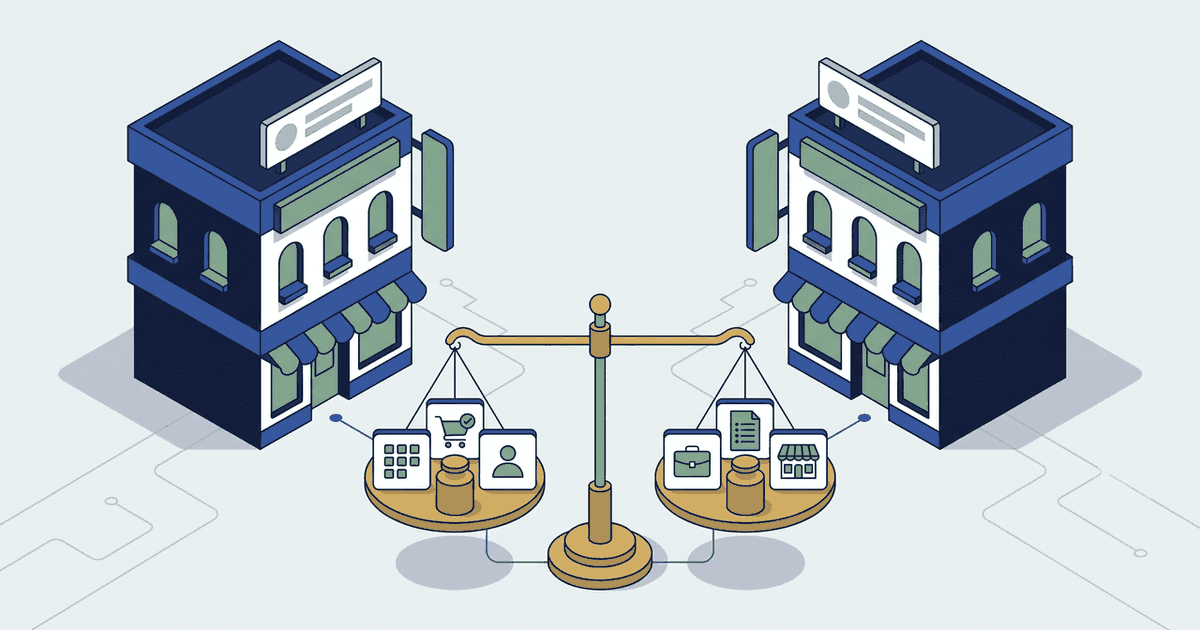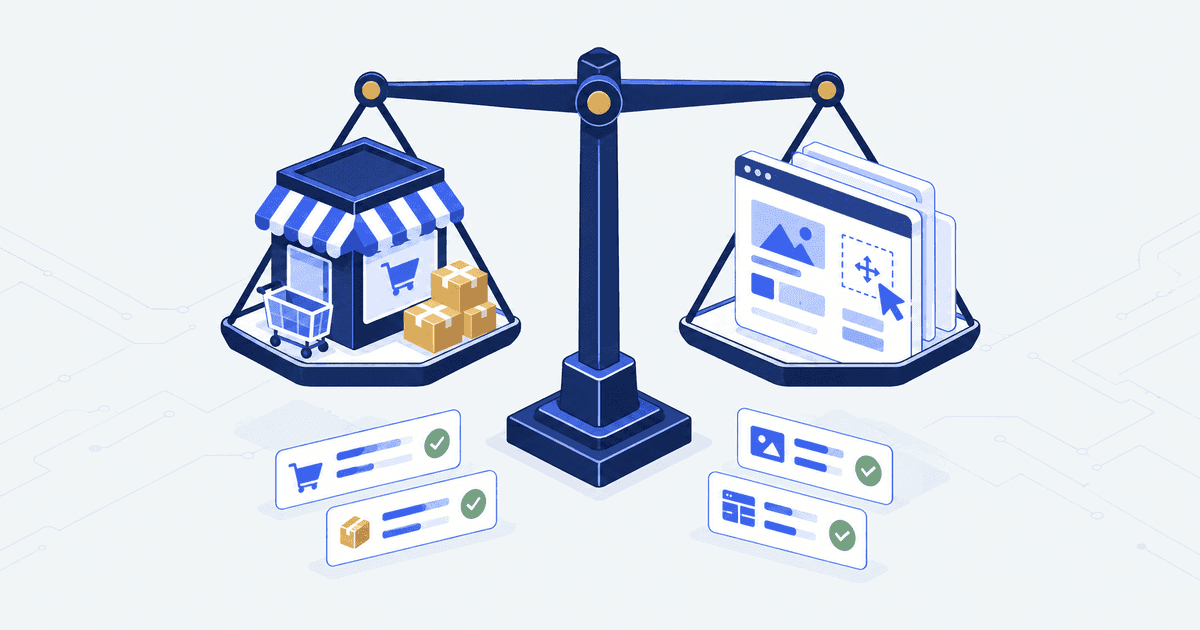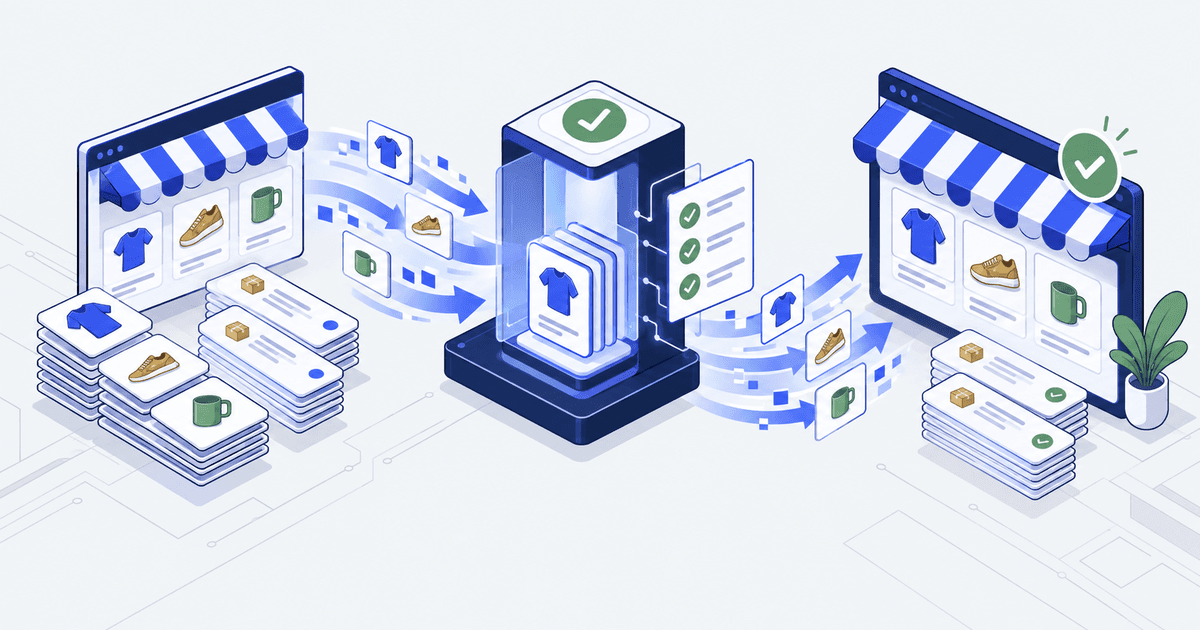

The import finished on Friday night. The product counts matched, so the migration was signed off. On Monday the support inbox fills with password resets. Shopify imports the customer record. It does not import the password, because passwords are encrypted. Nobody had tested what a returning customer sees at login.
That is the failure this checklist stops. A checklist is not there to confirm that an import ran. It is there to prove three things. People can still buy. Orders still reach the systems that ship and bill them. The URLs your customers already use still land somewhere useful.
The test is not the import. A Shopify migration is ready when a test order reaches every system downstream with the right values, every important old URL redirects to its match, migrated records agree on counts and values, and a named person can stop the cutover. A finished import proves none of that.
This is for the operator who still owns the store on Monday
You are moving a live store onto Shopify or Shopify Plus, and you will still be on the hook for it a month after launch. Orders there do not stop at the order page. They travel into a warehouse system, an accounting ledger, and sometimes a wholesale price list.
Cutover is the moment the new store becomes the record of truth and the old one stops taking orders.
This is not for a first store with no order history and nothing plugged into it. If no other system reads your orders, most of the work below drops away. Shopify’s own setup checklist is enough.
It is also not a way to skip the ownership question. Can anyone say which system is in charge of stock today? If not, settle the integration scope before you book a cutover weekend.
Write the acceptance conditions before anyone exports a file
Start with the journeys that bring money in, then the handoffs that finish an order. A handoff is any point where an order passes from one system to another. An app list will not tell you what happens when a wholesale buyer pays on terms, or a warehouse ships half an order.
Write down what must survive the move, the person responsible for each line, and the evidence they will accept.
| Area | Decision to make | Evidence to retain |
|---|---|---|
| Buying | Which customer, payment and delivery journeys are essential? | Test orders for each agreed journey |
| Data | Which records move, stay readable elsewhere or retire? | Source-to-target map and reconciliation report |
| Search | Which existing URLs must keep their destination or redirect? | URL map and redirect response checks |
| Operations | Which system owns stock, order edits and fulfilment? | End-to-end records and an exception test |
| Launch | Who can stop cutover, and how are new orders protected? | Rehearsed runbook and a named owner |
The same rows sit in a free migration acceptance worksheet. It is an editable CSV with owner, evidence and status columns. It holds proposed checks only, with no client data in it.
Define a blocking defect before testing starts. A typo and an order sent twice to a warehouse should not carry the same weight. No single error rate fits every store, so write yours down and agree it by name.
Map every field first, then check the result three ways
For products, look at variants, identifiers, media, collections, metafields and sales channels. For customers, look at account structure, addresses, consent records and how people reach their accounts after launch. For orders, decide how much history belongs in Shopify, and where the rest stays readable.
Record four things per field: the source, the target, the rule that changes it, and what to do with an exception. Confirm your import method supports every record type. Keep the source exports, so a failed rule can be traced.
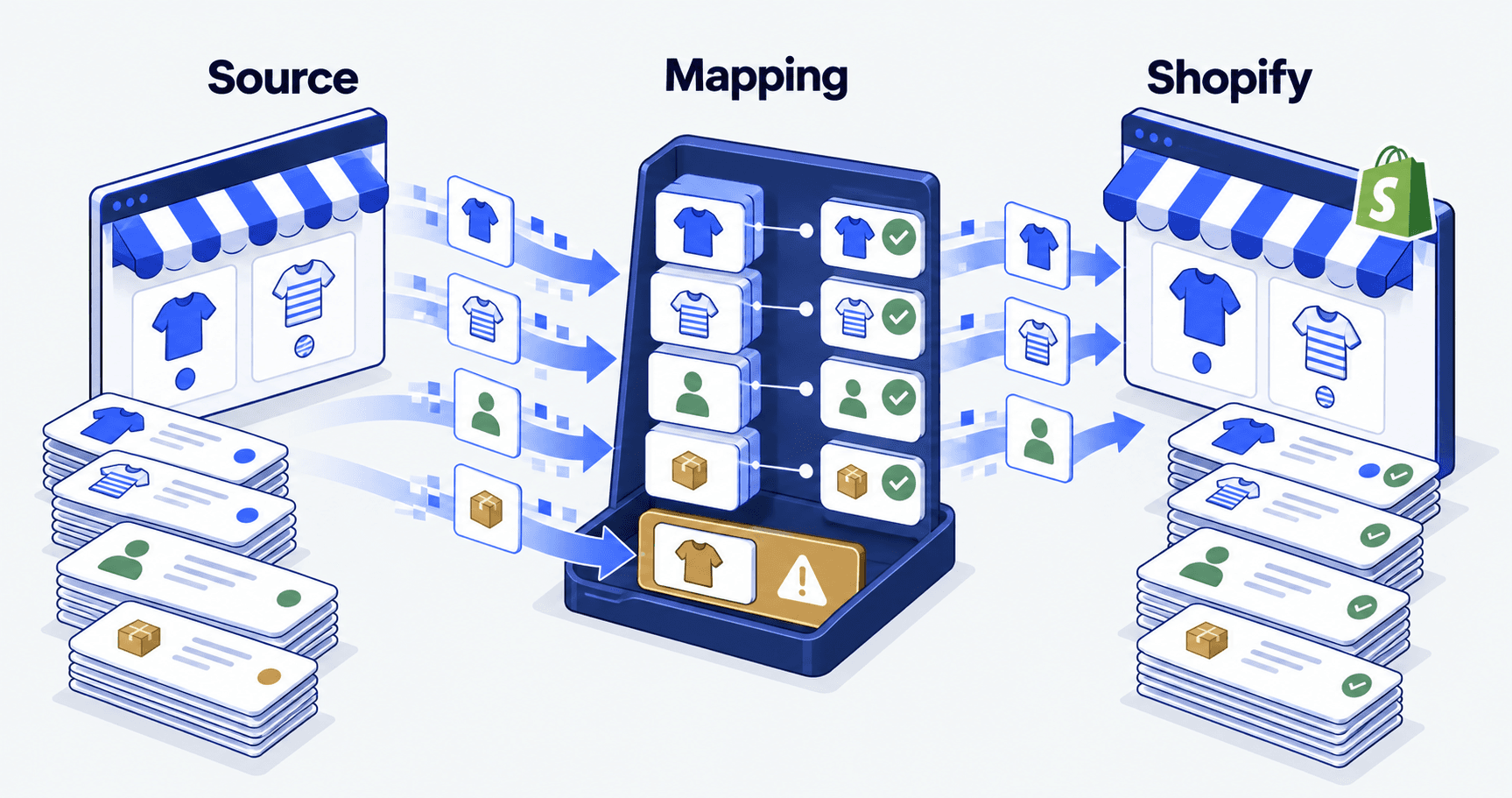
Shopify’s own migration checklist names three import failures worth testing for. Products can import but stay unpublished. Products can import with details missing. Variants can fail outright. The same page states that only customer records are imported, because passwords are encrypted. Account access is an email job, not a data job.
Reconciliation means comparing what left the old system against what arrived in the new one. Do it three ways, because each way catches a different failure.
-
Counts: compare source and target record numbers, allowing for records you left out on purpose.
-
Values: compare key identifiers, amounts, options and statuses.
-
Behaviour: buy the migrated record, or process it, in the journey it belongs to.
A matching product count does not prove the right variant can be bought. A matching order count does not prove finance can find the record it needs. For invoice rules, read the Shopify B2B invoice migration guide, then confirm the treatment with whoever signs the ledger.
Your redirect map only fires on URLs that return a 404
A permanent redirect, or 301, tells browsers and search engines that a page has moved for good. Collect the old URLs that need one from the site crawl, the sitemap, analytics, Search Console and known outside links. Each source covers a different slice, so one export will miss pages people still use.
Map every URL you keep to its match. Where a page has truly gone, write down what should happen. Our general website migration checklist covers the same redirect and SEO steps for any platform move.
Google’s site-move guidance asks for permanent server-side redirects, updated internal links and sitemaps, and monitoring after the move. It also advises keeping those redirects for at least a year. A URL map cuts avoidable errors. It cannot promise your rankings hold.
Test the redirect response and where it lands. Then check that page can be indexed, carries the right canonical URL, and shows up in navigation or related content.
Keep relevance in the redirect map. Shopify’s URL redirect documentation states that redirects only work for URLs that return 404 errors. A route that still resolves to the wrong page will never fire one. A clean 404 report is not proof that anyone arrives somewhere useful.
The published limits your cutover plan has to live inside
Three sets of published limits shape what your plan can promise.
| Published limit or rule | Figure | What it changes in your plan |
|---|---|---|
| Customer passwords carried across | 0 | Every returning customer needs an invite email |
| `myshopify.com` domain changes | 1 only | Pick the permanent handle first |
| Product CSV import file size | 15 MB | Split a large catalogue, check each part |
| A started CSV product import | Cannot be cancelled | Rehearse on a development store |
| URL redirects per store | 100,000, or 20,000,000 on Plus | Prune to URLs with traffic |
| Webhook response window | 5 seconds | Accept and queue, never process inline |
| Webhook retries after a failure | 8 in 4 hours | After that the order event is gone |
| Failed delivery rate Shopify calls high | Over 0.5% | An alarm, not a rounding error |
Those figures come from Shopify’s migration checklist, its product import pages and its webhook troubleshooting guide, all read on 21 September 2026.
Trace one order through every system that touches it
List the systems that receive or change product, customer, stock, payment, order and fulfilment records. Decide which one is in charge of each field. Decide how the others find out it changed.
An example test starts with a two-item order. Ship one item. Cancel the other. Then check the records in Shopify, in the warehouse system and in the accounting destination. The expected numbers come from your business rules, not from a template.
Then ask three awkward questions. What happens when a message arrives twice? When a connection is down for five hours? When someone edits the order after it was sent?
A webhook is the message Shopify sends your system when something happens, such as an order being paid. The last question is where the retry figure bites. If your endpoint is down through eight attempts, Shopify has stopped trying and the event is gone. So every connection needs a daily check. Ask Shopify for the orders it says it sent, compare them with what arrived, and raise the gap to a person.
Rehearse the cutover and time every stage
Run the rehearsal on real data, in the order you plan to use. Record how long export, mapping, import, checking and final changes actually take. That timing sets your cutover window, not an estimate.
Split the bulk transfer from the final changes made while the old store still trades. Decide when writes stop. Decide which changes need a final sync. Decide the moment the new store takes over, and where queued orders and scheduled jobs land.
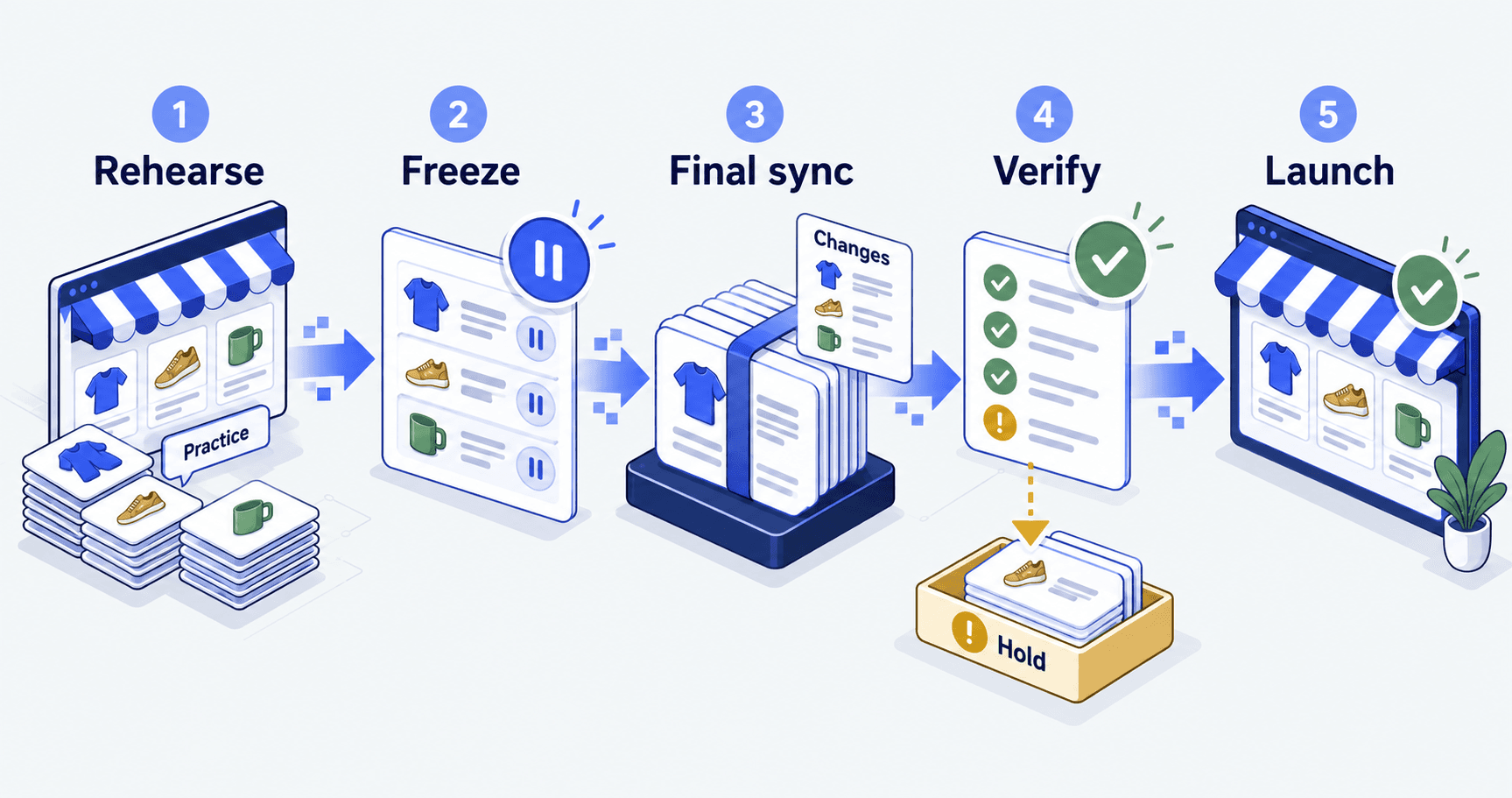
Test paid and failed purchases, cancellations, refunds and part-shipped orders. Check shipping rules, customer emails, analytics events and team access too. Use a development store or an agreed test payment method, so a rehearsal never becomes a real customer order.
What breaks is the silent half write, and one person owns it
The failure you plan for is the loud one. A call errors, a job stops, somebody is told. That failure is cheap.
The failure that costs you is the half write. The order reached the accounting system. Its line items did not. Stock moved on one side and not the other. Nothing errored and nobody was told. You find out three weeks later, from a customer.
Autonomous Technologies is a Shopify systems agency, Vancouver-founded and working globally. We build and run the revenue, data and operations systems behind Shopify and Shopify Plus stores, for the operators accountable after launch.
Sene Studio, a made-to-measure fashion brand, used to run its orders in spreadsheets, copy-pasted between the store, the factory and the warehouse. Orders there now flow from storefront to factory to warehouse with no manual step, in a partnership now in its fourth year (Sene Studio, from spreadsheets to full automation). What keeps it running is the escape hatch. When the system cannot place an order it retries, then pushes that order to a channel a named person watches.
What started as a simple Shopify project became a four-year partnership that automated everything from ordering to customer service.Mark Zheng, President, SENE, on the Sene Studio case study page
A domain switch is not a rollback. Once the new store has taken orders, pointing the domain back does not restore the business. Those orders, payments and stock moves still exist. Agree up front which conditions trigger a pause, a repair or a full rollback, and who protects the transaction record.
The objection: this is a lot of process for one weekend
Most operators reading this have migrated something before, and it went fine. That is fair. The answer is not more process. It is four checks that fail quietly.
Passwords do not move, so returning customers hit a login wall you never tested. Redirects only fire on a 404, so a URL that still resolves to the wrong page never redirects. A started CSV import cannot be cancelled, so the first live run is the only run. Webhook retries stop after eight attempts in four hours, so a five-hour outage during cutover loses order events in silence.
None of those show up in a product count. All four show up in the first week, in support tickets and in a finance check that no longer balances. The work above costs you a rehearsal. Finding them later costs the hours of whoever re-keys the gap by hand.
Shopify migration checklist, answered
What should a Shopify migration checklist cover?
Four things, in this order. The acceptance conditions your business must still meet after launch. A field-level data map with three-way checking. A tested redirect map for the URLs people use. One traced order that reaches every system downstream.
Do customer passwords transfer when I migrate to Shopify?
No. Shopify’s migration checklist states that because passwords are encrypted, only customer records are imported. Treat account access as an email task. Send account invites, warn customers before cutover, and test what a returning customer sees at login.
How many URL redirects can a Shopify store hold?
Shopify’s URL redirect pages give a maximum of 100,000 redirects on standard plans and 20,000,000 on Shopify Plus, read on 21 September 2026. Relevance is the harder limit. A redirect only fires on a URL that returns a 404, so test the response and the destination.
How long does a Shopify migration take?
We have not published a median, so treat any single number a vendor gives you as a guess. Get your own figure from a rehearsal: time the export, the mapping, the import and the checks on real data.
What should trigger a rollback after cutover?
Conditions you agreed before launch, held by a named owner. Switching the domain back is not a rollback once the new store has taken orders, because those orders, payments and stock moves still exist. Decide in advance which failures justify a pause, which justify a repair, and who protects the record.