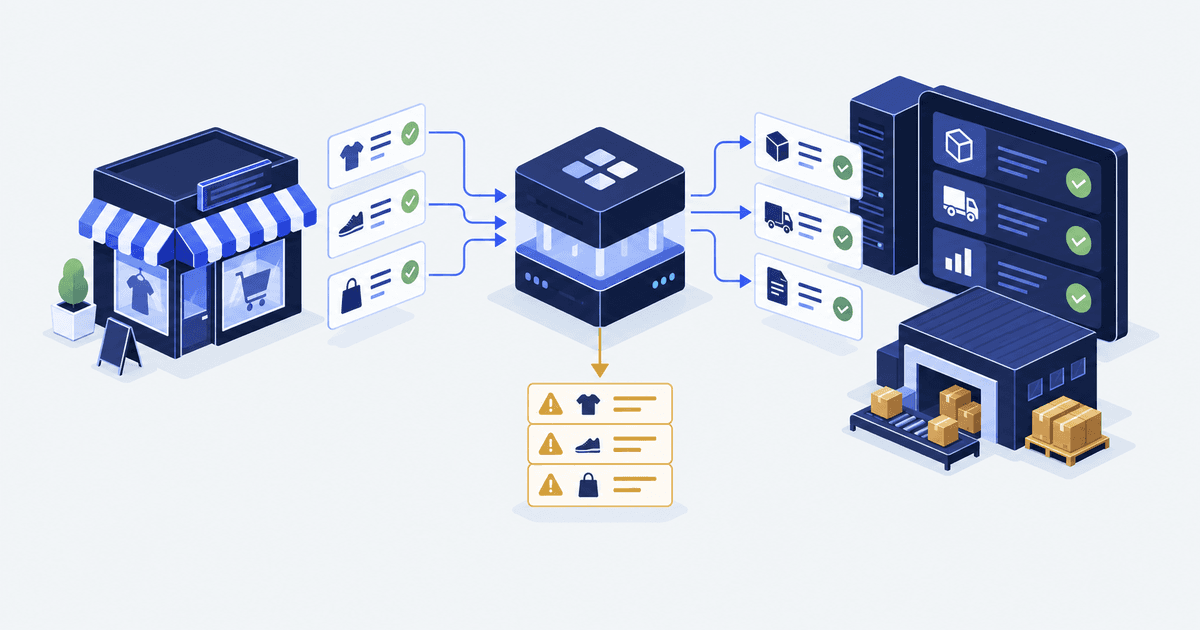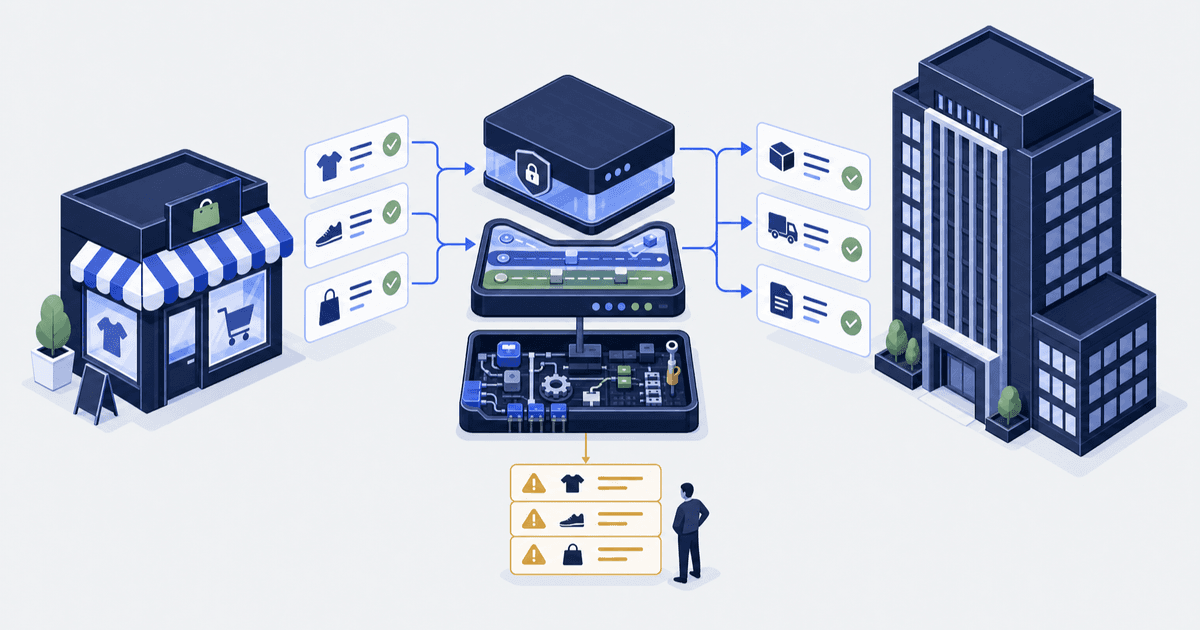

Someone on your team has been asked which NetSuite connector to buy. The answer is usually settled on a feature grid. Six months later the costly question is a different one. Who changes a product title? Who sets the sellable quantity at each location? What happens when an order is edited after it reaches NetSuite?
NetSuite is an ERP, the system that holds your books: stock value, invoices, postings. We build and run Shopify integrations and custom apps for founders and operators who own the store after launch. We sell custom builds, so weigh our view with that in mind. Oracle’s connector wins when your flows fit its scope line. Celigo wins when you need more record types or several stores. This is the NetSuite companion to our Shopify ERP integration guide.
The short answer. Pick Oracle’s NetSuite Connector if your flows are product, pricing, inventory, sales orders and fulfilment. Its App Store plans list from $199.92 a month. Pick a platform tool such as Celigo when you need more record types or several stores. Build custom only when neither can do a real job safely.
| Route | Fits when | Listed cost | Limit to confirm first |
|---|---|---|---|
| Oracle NetSuite Connector | Your flows are product, pricing, inventory, sales order and fulfilment | $199.92 a month (B2C Standard), $249.92 (POS, B2C Premium), $916.58 (B2B). Oracle may bill extra charges separately | The record types in scope. B2B catalogues apply to a whole company, never one ship-to address |
| Celigo Shopify NetSuite app (a platform tool: software that moves data between systems) | You need more record types, several stores, or prebuilt flows plus a few of your own | Not measured. Quote only | Which of its 4 editions you hold. Cancel and refund exports start at Premium. Canadian taxes sync wrongly on the billing flow |
| Custom build on the Admin API (the door apps use to read and write store data) | A real need the other two cannot meet safely | Not measured. Depends on scope | Alerts, retries, checks and API upgrades are yours to run |
Who this is for, and who it is not for. This is for you if you run NetSuite and sell on Shopify. It is also for you if someone has asked which connector to buy. A connector is a prebuilt app that links two systems. It assumes NetSuite holds the books and you can get a sandbox and a test store. A sandbox is a copy of NetSuite you can break without touching the books. It is not for you if you are choosing an ERP.
Three routes, and who owns each one afterwards
Compare on fit, ownership and running cost. Running cost means work, not just a licence figure.
Oracle’s listing says the connector “automatically syncs product, pricing, inventory, sales order, and fulfillment data”. The two sides are NetSuite and Shopify or Shopify Plus. It covers B2C (selling to consumers) and B2B (selling to businesses) storefronts. It also covers Shopify POS, the point-of-sale system for physical shops (App Store listing). Ask Oracle about anything outside that line. One step is easy to miss: “To add a new connector, contact your NetSuite account manager” (Oracle setup docs). The listing also says charges may be billed by Oracle separately from your Shopify invoice.
Celigo’s app ships flows that sync “Customers, Sales Orders, Inventory levels, Items, Billing Info, Fulfillments, Cancellations and Refunds” (Celigo overview).
Coverage depends on your edition. Celigo documents 4 editions, each adding to the last. Cancel and refund exports start at Premium. Duties, local currency and country tax come with the top tier. The same page says buyers onboarded from 2026 get the top tier. Older accounts keep their own (Celigo editions, read 11 and 21 September 2026; the page carries no date). On an old account, confirm your edition in writing first.
If you sell B2B, note Shopify’s own warning. “Some integrations in the Shopify App Store aren’t fully compatible with Shopify B2B, specifically companies and catalogs” (B2B external integrations). Ask for a demo on companies and catalogues, not a B2C order. A catalogue is a price list assigned to a buyer company.
Map record ownership before you compare vendors
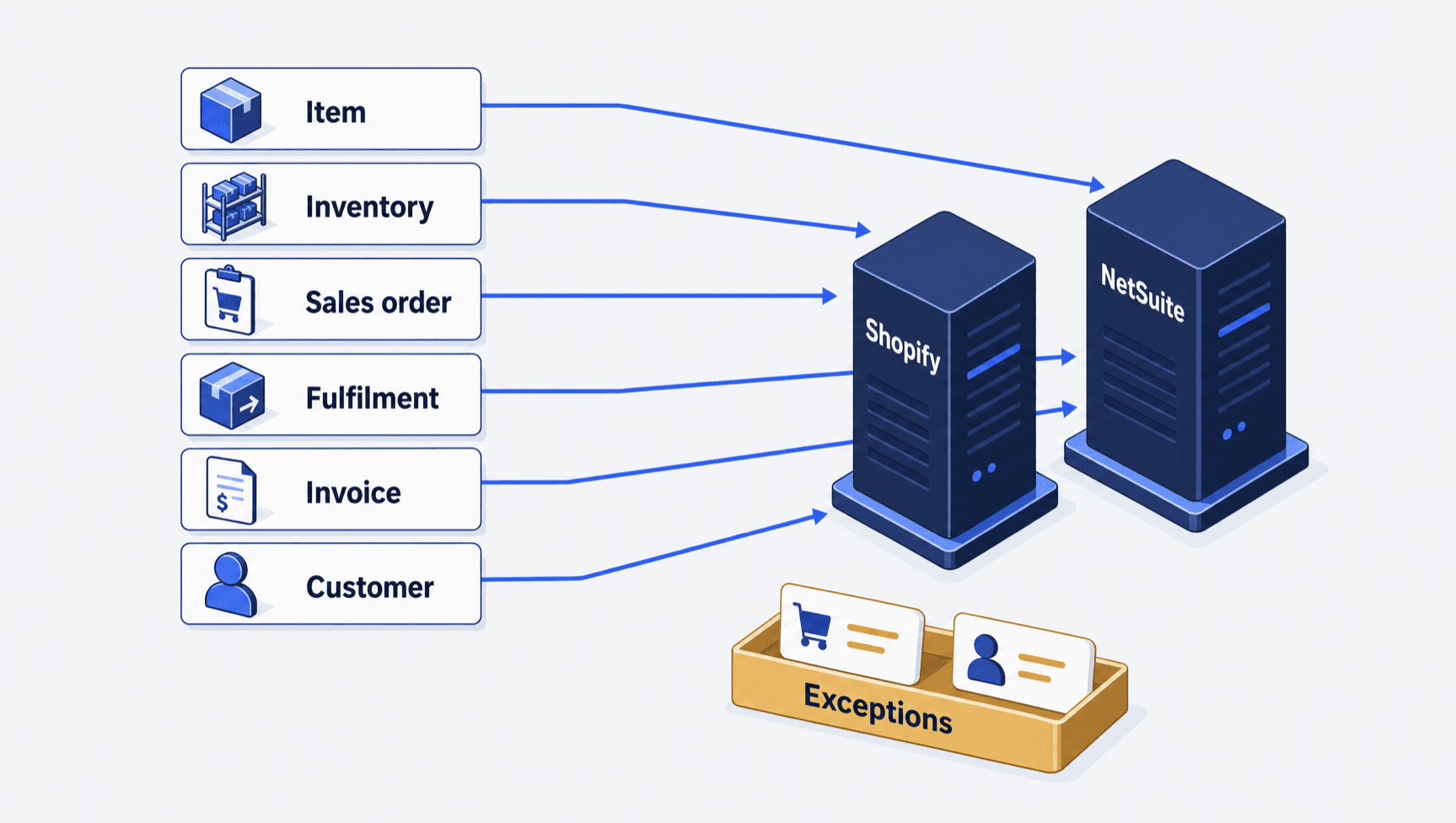
“NetSuite is the source of truth” is not a spec. It does not say who changes a product title or who sets sellable stock. Answer that per record. Then check your connector can do it. Where the item master is the hard part, a PIM integration for Shopify is one way to settle who owns product data.
| Record | Shopify side | NetSuite side | The rule to write down |
|---|---|---|---|
| Items and variants | Product, variant, SKU (the code for one sellable item) | Item record | Who makes an item, which fields staff may edit, and the match key |
| Inventory | Stock level per location | Item location quantities | Which NetSuite number maps to Shopify available, and which locations count |
| Sales orders | Order | Sales order, cash sale or invoice | The export trigger, and which edits are allowed after it |
| Fulfilments | Fulfillment order and fulfillment | Item Fulfillment | Who confirms the shipment and tracking |
| Invoices and payments | Order records, payment terms | Invoice, deposit, payment | Where the books post, and how payouts tie back |
| Customers and companies | Customer, B2B company and site | Customer, with buyers as sub-customers | The match key, and what happens on two logins |
Three terms need pinning down. A fulfillment order is the Shopify record that says which items ship from which location. A cash sale is a NetSuite sale paid as it is booked, so it posts differently from an invoice. A sub-customer is a buyer held under a parent company record.
A mapping is a rule that links a field in one system to a field in the other. Decide which NetSuite stock number, at which location, becomes Shopify’s available quantity. Write it as a formula, not a field name. Only available stock can be sold (inventory states).
Next, order to cash. Celigo has flows that make either sales orders or cash sales from a Shopify order (Celigo dependent flows). Oracle’s B2B connector “automatically generates invoices in NetSuite upon order synchronization” and syncs terms such as Net 30 (Oracle B2B docs). Net 30 means the buyer pays 30 days after the invoice date. That is a net term. Those post to the books in different ways, so finance picks. Old invoice history is its own project, in our B2B invoice migration guide.
One limit shapes B2B catalogue design before any code: “Catalogs are assigned at the company level and applied to all company locations. Per-location catalog assignment is not supported.” (Oracle B2B docs) If buyers expect a different catalogue per ship-to address, that is a design decision.
Pricing is where a wrong rule shows up in front of the buyer. For Container One, a Shopify Plus store with depot-based custom pricing, we matched legacy prices on all 41 products we tested.
Write the rule, not the system name. “NetSuite is the source of truth” decides nothing. Per record, name the system that writes the field, and the formula behind the number.
Four failure modes, and how each one is caught
None of these speaks up. Agree how you will catch each one before go-live.
| Failure mode | The documented rule that causes it | Where it bites |
|---|---|---|
| Half-done sync | You cannot schedule, enable or run Celigo's dependent flows | A record linked on one side only |
| Duplicate customer | A profile merge cannot be reversed | Two NetSuite customers, or one wrong merge |
| Stock drift | Each location's stock is separate and cannot be pooled | A right total with a sold-out page |
| Edited order | Only the app that created an imported order can edit it | An item shipped that was removed and unpaid |
Half-done syncs from chained flows. Prebuilt apps chain flows, and some are not yours to schedule. Celigo calls them “auto-triggered flows that run in sequence” and says “You can’t schedule, enable, or run the dependent flows” (Celigo dependent flows). A record can sit in one system with a half-built link in the other. Catch it by checking counts and link fields, not flow status. A flow can report success while its next step never ran.
Duplicate customers. Shopify makes a customer profile when someone signs up, orders or leaves a checkout. Each profile holds 1 email. And “After the profiles are merged, you can’t reverse the process” (customer profiles). List new NetSuite customers each week beside the orders that made them. Flag any two that share a name, phone or address but differ on email. Fix the match rule instead of merging.
Stock drift across locations. A Shopify fulfillment order holds items “expected to be fulfilled from the same location” (FulfillmentOrder). Check each location and SKU daily. Treat any gap as an exception with an owner. The 4 root causes sit in our guide to Shopify inventory sync problems.
Order edits, tax and rounding. Shopify says “You can’t edit any orders that are imported into your Shopify admin”. It also warns “You can accidentally ship an item that was removed from the order and not paid for” (order editing). Rounding is a per-market setting, and “You can’t customize your rounding rules” (currency rounding). On Celigo’s billing flow, Canadian GST, HST and PST “sync incorrectly, and partial taxes are shown under variance” (Celigo Markets edition). If you sell into Canada, test that first.
What breaks, and who owns it
The vendor handles the flow. Nobody handles the 5 jobs below unless you name a person. An exception queue is the list of records the link could not process.
| Monthly job | What to agree | Figure to set |
|---|---|---|
| Clear the exception queue | Who opens the error view, and how often | 1 named owner, 1 check per working day |
| Reconcile stock (compare both counts and explain each gap) | The check per location and per SKU against the mapping | 1 run per day, 0 unexplained rows |
| Tie out finance | Shopify totals against NetSuite postings and payouts (Shopify's bank deposits) | 1 tie-out per month, 1 owner of the variance |
| Maintain mappings | New items, locations, payment methods, markets, tax codes | 0 new values reaching production undecided |
| Re-test after change | Connector updates, API versions, custom work | 1 re-run of the affected cases per change |
Prove it before go-live
Run these 6 cases against a NetSuite sandbox and a Shopify test store before sign-off:
- An order split across two locations, checked as separate fulfilment records. If a third-party warehouse (a 3PL) ships part of it, see connecting Shopify to a 3PL.
- An order edited after export, checked against your rule.
- A repeat buyer using a second email, checked for one NetSuite customer or a logged exception.
- A refund and a cancellation, checked against the posting finance expects.
- An order from abroad, checked for amount, duty and tax code.
- An outage at the far end, checked for recovery and a visible exception.
Test the awkward cases, not the happy path. Split fulfilment, an edited order, a refund, a duplicate customer and an order from abroad are where connectors differ.
Bring three things to the scoping call
Bring the ownership map, the list of flows you run, and a filled-in test sheet. For a read on your storefront first, run the free scan.
Common questions
How much does the NetSuite Shopify connector cost?
Oracle’s connector lists from $199.92 a month for B2C Standard, and $916.58 a month for B2B, on the Shopify App Store. Oracle may bill extra charges separately. Celigo and custom build costs are quotes, so they are not measured here. Price the monthly work of running the link too.
Which records does Oracle's NetSuite Connector sync?
Its App Store listing names product, pricing, inventory, sales order and fulfillment data. That covers Shopify and Shopify Plus B2C and B2B storefronts, plus Shopify POS. Confirm anything beyond that line with Oracle in writing, because the full record list sits inside NetSuite’s own help.
Does a NetSuite connector work with Shopify B2B companies and catalogs?
Not always. Shopify warns that some App Store apps are not fully compatible with B2B, and names companies and catalogs. Oracle also documents that a catalogue is set at company level and applies to every company location. There is no per-location option. Ask for a demo on both.
What is the most common failure nobody catches?
A half-done sync from a chained flow. Prebuilt apps fire follow-on flows you cannot schedule or run yourself. A flow can report success while its next step never ran, leaving a record linked on one side only. Check counts and link fields on a schedule instead of trusting flow status.
Facts checked October 2026. Shopify, Oracle and App Store pages were re-read on 5 October 2026. Celigo’s pages blocked automated checking that day, so the Celigo facts carry their 11 and 21 September 2026 read dates. Re-check prices and editions before you sign, and by 5 November 2026 at the latest. Get a human browser re-check of the Celigo pages before publishing. Sources: NetSuite ERP Connector listing, Oracle connector setup, Oracle Shopify B2B, Celigo overview, Celigo editions, Celigo dependent flows, Celigo Markets edition, B2B external integrations, inventory states, customer profiles, FulfillmentOrder, order editing, currency rounding.